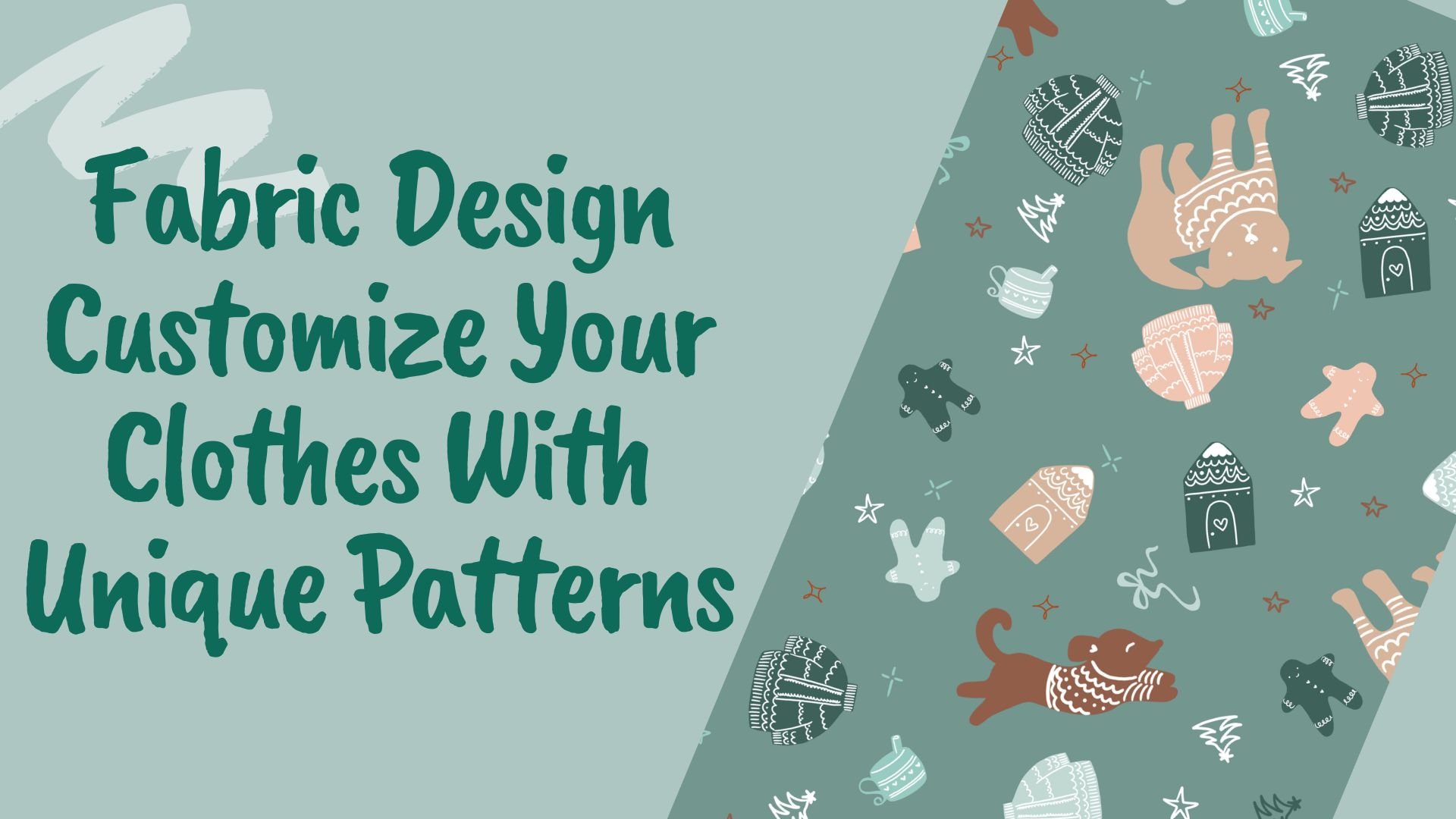
Learning surface pattern design can be complex. In this class, it's not just about designing to sell fabrics and wallpapers; but building skills you can use to be a better designer. This class is about the surface design process focused on the design and simplifying the color so you only have to make one color choice. No matter if you want to design fabric, paper, wallpaper, or just to incorporate more pattern into your own art pieces, you will learn something you can use in this class.
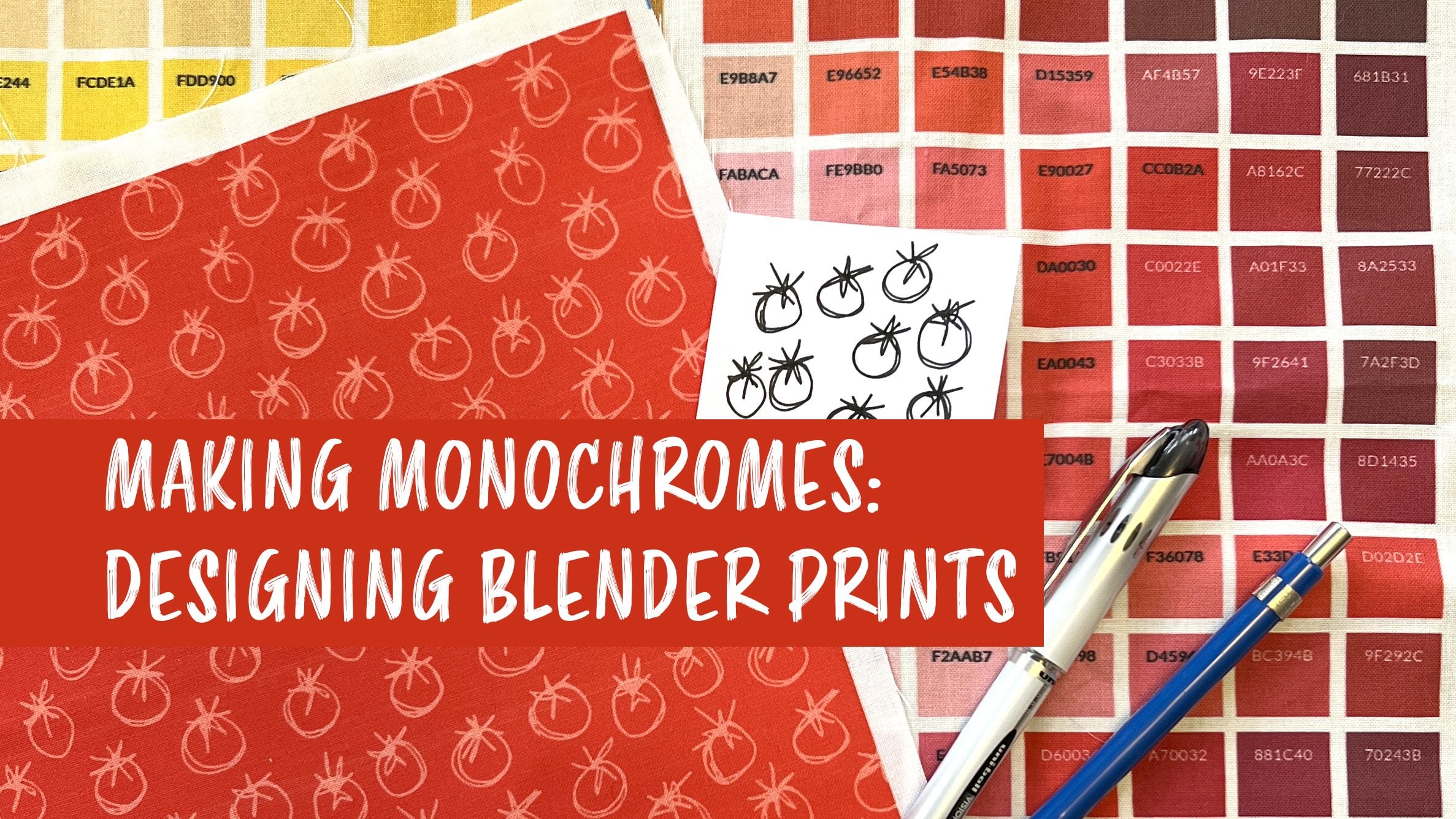
Monochromatic prints are one of the most versatile kinds of surface designs. Monochrome means one color, so you can use them to accent and compliment other more complex prints when you are making any kind of project that combines different patterns all together. In quilting, they are commonly used as a blender print: a small scale, low-volume design that blends together with your other patterns.
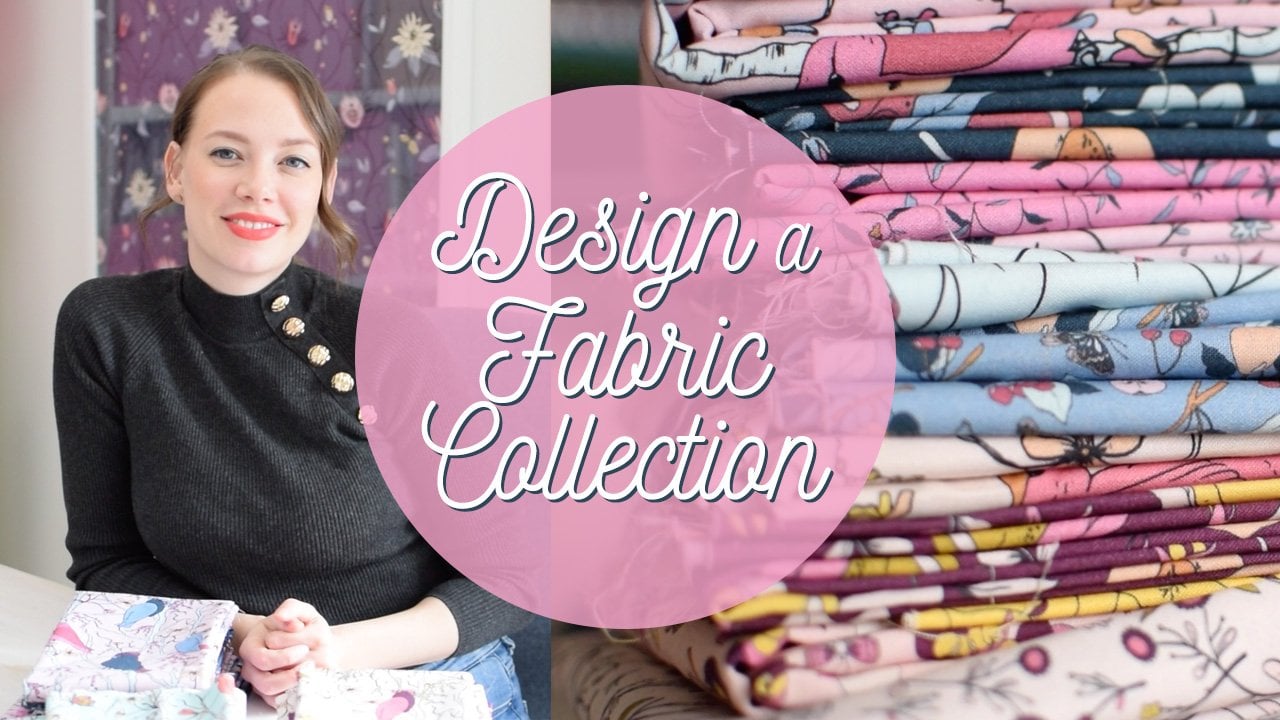
I co-wrote The Spoonflower Handbook, so I've got a lot of experience teaching about surface design for fabric, but in my own art practice I use surface design for so much more than that. You can use the same techniques I'll teach you in this class to design for fabrics, wallpaper, or decorative papers, plus anything you can think of to print-on-demand like postcards and wrapping paper.
How does it work? In this class, I'm going to show you one of my favorite digital design tools. It works like a kaleidoscope to create new designs, virtually cutting up some original art and putting it back together in seamlessly repeating patterns. You can create hundreds of coordinating patterns with just a few clicks. It's especially great for designing geometrics, bold graphic, and blender prints. If pattern design seems overwhelming, this is a great way to get started. You don't need any technical or drawing skills and no special tools; just a pen and paper.
In this class you'll learn:
- how to make a monochrome design step-by-step
- to work with HEX codes to identify specific colors
- color theory choosing tints and shades of a hue
- different kinds of repeating patterns, including directional and non-directional prints
- to navigate and create designs using Repper, a pattern making tool
- settings to export designs for print-on-demand uses (like uploading to Spoonflower)
This class is going to deep dive and focus on creating only monochromatic prints, but you can learn more about other ways to use the same set of digital tools in my class: Surface Design for Fabric & Paper: Creating Kaleidoscope Patterns with the Repper app