15h 54m

YouTube
Garment Construction: Pattern Making, Draping, Sewing
16 hours
Share your videos with friends, family, and the world
All Levels
Free Online CourseView course
Textile Design
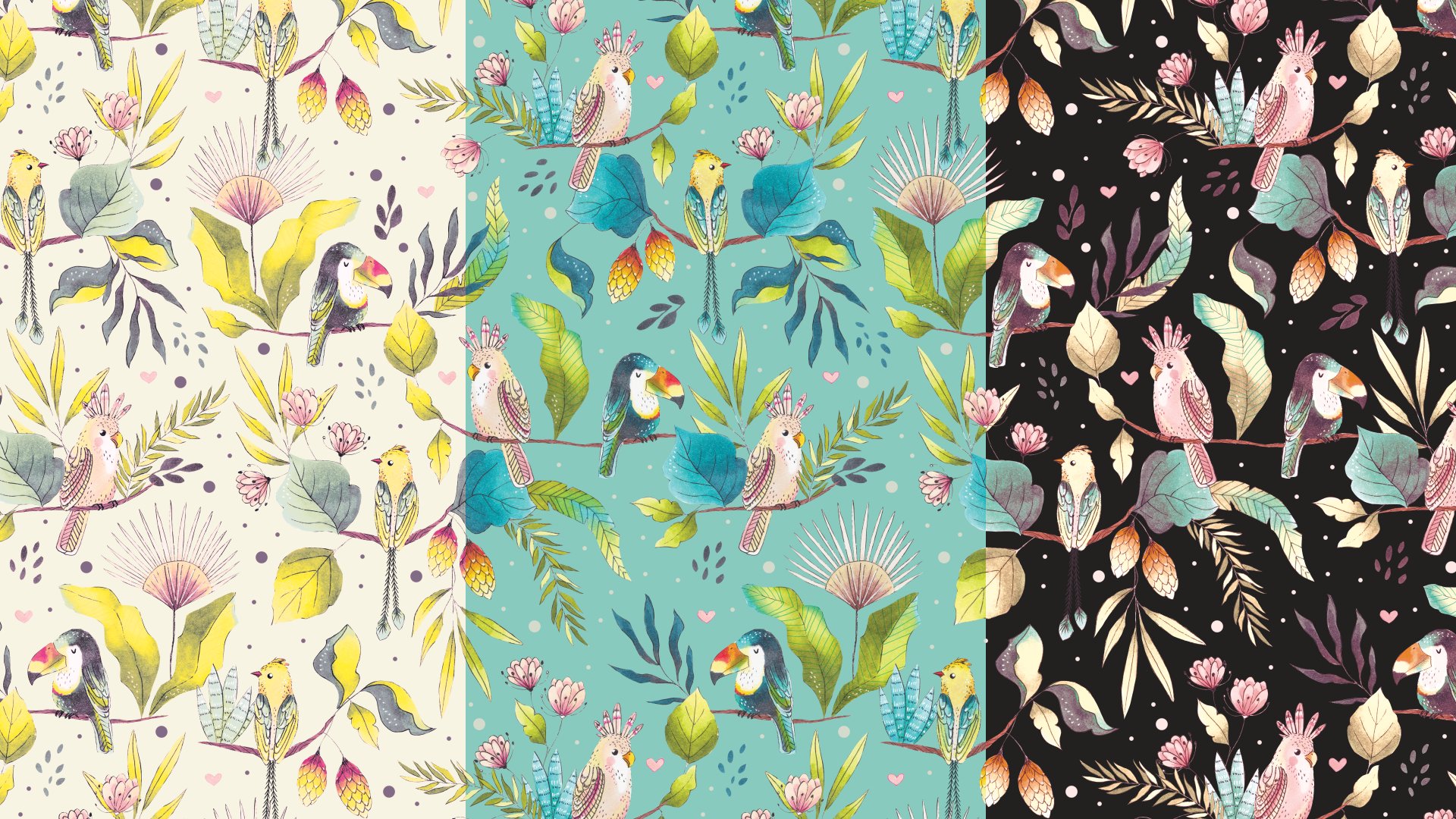
Do you want to keep your painterly look or use the artwork you create in Procreate to create seamless repeat patterns + learn about how I look for Clients to contact + how to present your art in a professional manner? You'll find it all here!
Becoming a Surface Pattern Designer requires much more than just making pretty patterns. You need to make many decisions before you start and you need to know how to deliver files in a professional manner. In this class, I’ll walk you trough every little step so you can feel confident once you start working for a Client.
I won't show you how to illustrate the icons, because that is a class on it's own and I have several classes on that, but if you're eager to start practising and don't have any illustrations ready, you can download my sample cute cactus icons and try making some patterns with those.
You will learn:
- Why I choose to use raster images and Photoshop for my Client work - How to set up your files: size, resolution and CMYK vs RGB - The magic of working with Smart Objects - How to use the new Pattern Making Tool - Different types of patterns and the preferred ones for textile design - How to create the final files - How to create additional colorways - How to show your art to prospective clients
In this class I’ll share with you not just the technical aspects of pattern design, but also my thought process and real life experience. This class is packed with information and it will be like you’re looking over my shoulder when I get a brief from a Client or I’m creating a new piece to add to my portfolio.
This classed is aimed at beginners and intermediate students. A basic knowledge of Photoshop is preferred, but I’ll show you every tool and step that I use, so you can follow along.
By the end of the class you’ll feel more confident about your pattern making skills and your presentation when submitting art to clients or prospective clients.
Download the Class Resources:
Go to the Resources tab and click "See More" to download all the Freebies:
- Types of patterns PDF - Cactus sample icons - Pattern making Cheat Sheet - Portfolio template - Job Order sheet - Pattern making actions
Useful links:
- Megan Dunagan's Indexing artwork in Photoshop tutorial - Follow me here on Skillshare - I painted my birds and plants with Ohuhu alcohol markers.
WHERE TO FIND ME:
Sign up to my newsletter and get awesome freebies and resources: https://www.artbysandramejia.com/freebies Instagram→ @artbysandramejia Website→ www.artbysandramejia.com Procreate brushes→ https://creativemarket.com/artbysandramejia YouTube→ @ArtBySandraMejia Facebook→ artbysandramejia
Other classes mentioned in this class:
- Creating Patterns and Brushes in Procreate - Remove Backgrounds from Watercolor Illustrations - Transform Watercolor Illustrations into Intricate Patterns
Adobe, the Adobe logo and Photoshop are either registered trademarks or trademarks of Adobe in the United States and/or other countries.
Sandra Mejia
No reviews yet. Be the first to review this course.
16 hours
Share your videos with friends, family, and the world
15 hours
✔ HOW U CAN LEARN STEP BY STEP FASHION DESIGN AT HOME ✔ DOWNLOAD THE APP NOW FOR FASHION DESIGNING STUDY? Download Now: http://on-app.in/app/home/app/home?or...
41 minutes
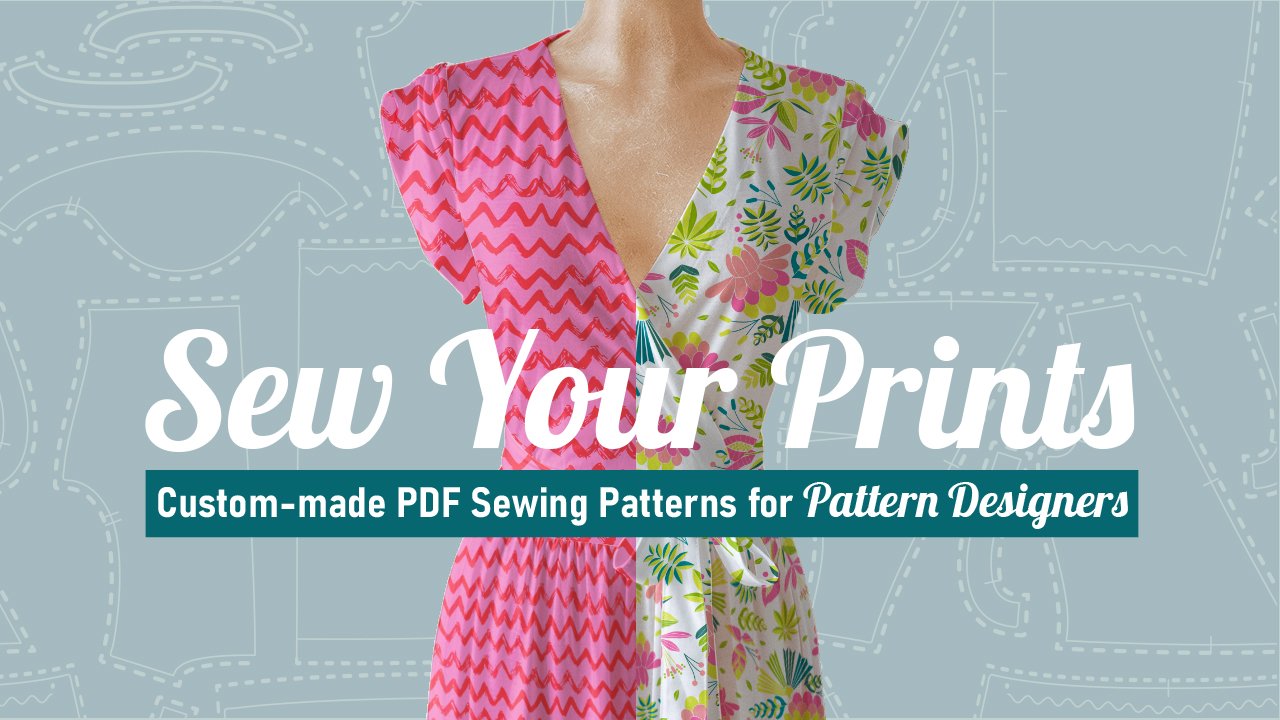
Are you a surface pattern designer who knows the basics of sewing? Are you thrilled to create unique well fitting environment friendly women clothes showing off your stunning patterns? If your answer is yes, this class is for you. Are you a sewist or a maker who wants to make PDF patterns easily for...
37 minutes
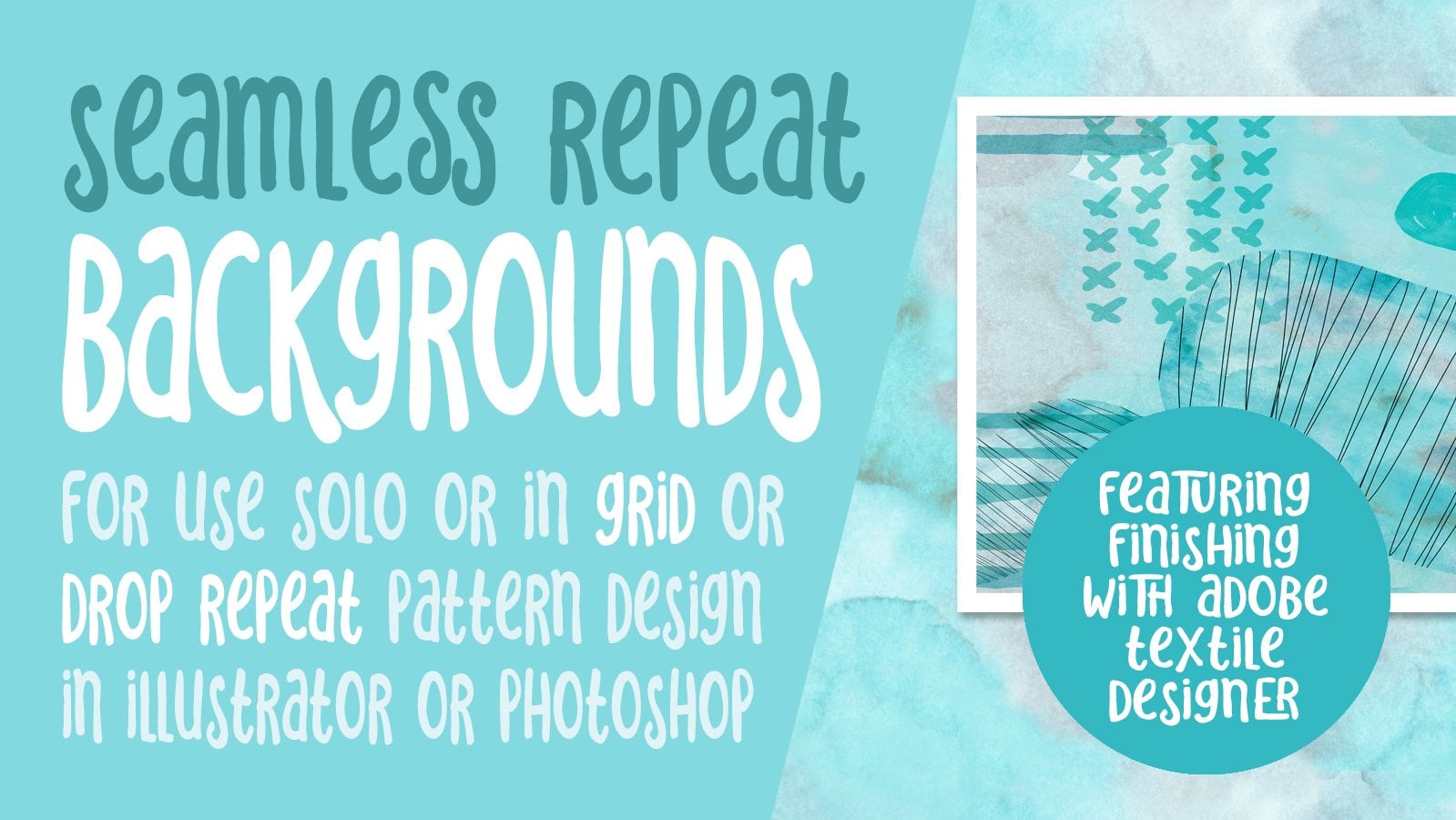
Hey there! Thanks for your interest in Repeat Textural Backgrounds for Pattern Design Swatches. A seamless pattern is an image that can be placed side-by-side with copies of itself. Ideally, there are no visible seams, so you can repeat this image and create a pattern that can go on infinitely to cr...
27 hours
Share your videos with friends, family, and the world
55 minutes
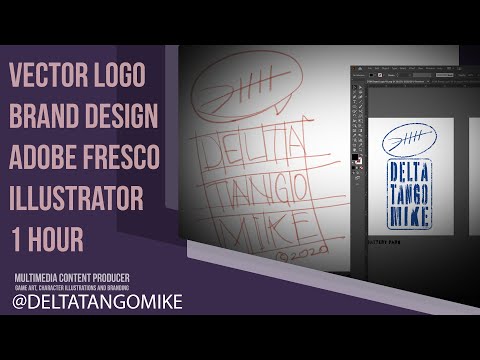
Logo Brand Design from Fresco to Illustrator - 1 Hour Exercise As the title suggests, we have one hour to work on a brand design idea, an illustration that starts in Fresco and ends in Illustrator. Are you ready?!
27 hours
Share your videos with friends, family, and the world
12 hours
This Playlist Will Help you to learn textile Designing in this playlist you will find video of Path Work and How to use Pen tool selection tool, brush tool, ...
57 hours
Welcome to SEASON 4 of the Textile Design Full Course by ASHRAFI TEXTILE DESIGN COURSE. यह playlist उन सभी लोगों के लिए है जो Textile Design को बिल्कुल Basic...
1 hour
Development of advanced techniques in Illustrator and Photoshop is the focus of this course, with the goal of helping you increase your proficiency with vector brushes and pattern design. You will craft a gorgeous floral line-art which can be finished in oh-so-many ways! In this course you will lear...
24 minutes
Transform humble materials into luxurious fabrics through the craft of natural dyeing! This wonderful art combines textile design with sustainable living. Using food materials you can find in your kitchen, we'll brew three lovely colors from scratch: Pale pink from avocado pits Golden yellow from on...
23 minutes
Give your denim a new lease of life by creating something totally original. With fabric painting, you are the artist and the textile designer! In this class we will cover the basic of fabric painting, learn what materials to use and discuss the best practice while working towards creating your weara...
Subscription