144 hours

UX & UI Design Certificate
144 hours
A 144-hour UX and UI design certificate from Noble Desktop, taught live in New York or online, ending in a portfolio and a job-ready resume.
BeginnerScheduledCertificate
Paid CourseView course
Textile Design
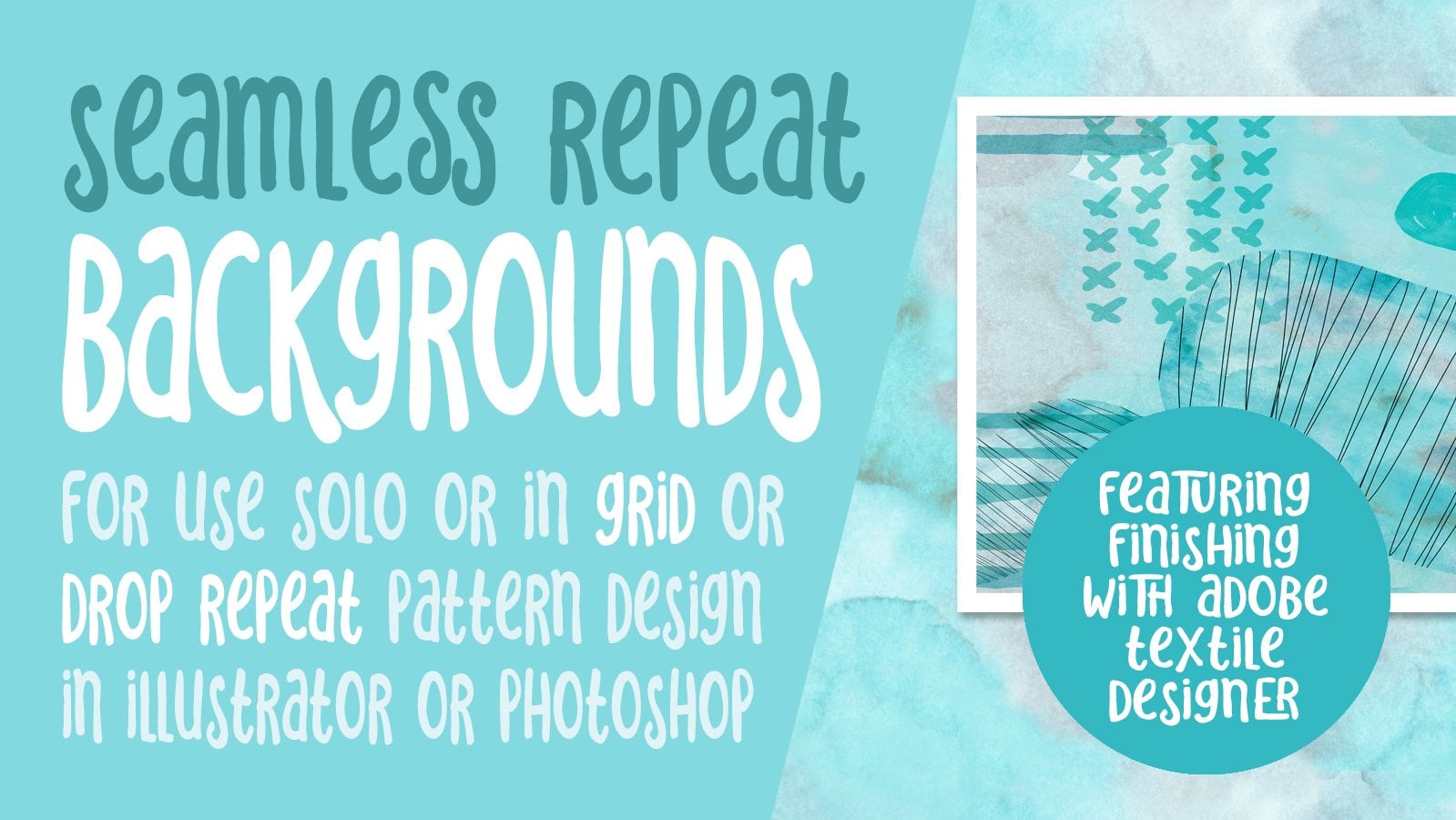
Hey there! Thanks for your interest in Repeat Textural Backgrounds for Pattern Design Swatches. A seamless pattern is an image that can be placed side-by-side with copies of itself. Ideally, there are no visible seams, so you can repeat this image and create a pattern that can go on infinitely to create unique backgrounds, text effects or brand elements. Often, we need a textured background, or a texture to overlay other objects. Most of the time we need a seamless tile so that it can repeat indefinitely. Tiled textures work well with repeating patterns. With a tiled texture, you can create a small image file, then make it repeat several times across the object. It is not necessarily just for use in pattern design. I personally make use of these in my illustrative work as well.
I have geared this class specifically in response to a student who wanted to produce a soft texture behind line art flowers she produced in one of my other classes, Textural Floral Pattern Design with the Photoshop Extension Textile Designer. Please Note: The Adobe Textile Designer Plugin has been de-commisioned by Adobe, so you will be unable to download it for free as earlier stated (by joining the beta program). I am unable to pull this class.
Creating a seamless repeating pattern is relatively easy using the methods in this class, Repeat Textural Backgrounds for Pattern Design Swatches. The easiest way to show you the concept is with quick demonstrations, so I have tried to keep all the lessons short and to the point. I am using Photoshop, but the concept is what is important. This works fine in Gimp and other software that has an offset filter and a rubber stamp or cloning tool with the same functionality.
It is best to start with an image with a relatively even and continuous tone, but I demonstrate with a watercolour and later with some line art. If your image has an obvious element on one side and is light on the other, it will show and it will be more difficult to work with, but I show you how to make it work. I then demonstrate using that tile in the background of the repeat pattern I made in my class Troubleshooting Adobe Textile Designer Issues.
This is a great course for you to take no matter what your purpose for the end pattern swatch you create. Start straight away, so you can be benefitting from your knowledge immediately in your art practice!
Intro: Introduction to Producing a Background Texture Tile
In this video, I will give you a short and sweet overview of what I will be teaching and some of the new skills you will learn.
Lesson 1: Template, Clipping Mask & Live Transformation
In this lesson, we will use the offset filter to set up the repeat, then I will show you the initial use of the rubber stamp tool to clone areas. We will use this technique to disguise the distinct join lines we want to eliminate.
Lesson 2: Rubber Stamping to Hide the Joins
We will work on trying to hide the seams further. I will discuss with you many of the brush control tips that I know and pitfalls to avoid throughout this lesson, preparing us for the next step.
Lesson 3: Finessing the Outside Joins
In the last lesson, we completed most of the touchups of the joins, avoiding the very edges of the tile. In this lesson, we address those spots directly. We will work with the navigator panel so that you learn how useful it can be in this type of situation. We even set-up the original test swatch!
Lesson 4: Testing the Pattern with Adobe Textile Designer
Testing the pattern with Adobe Textile Designer is the focus of this lesson, after we finalize the swatch with some additional adjustments. We continue to use the rubber stamp tool and play with a test document as we do the final adjustments. Then, we open a finished pattern design from a previous class, and I add the watercolor background we have just created. Please Note: The Adobe Textile Designer Plugin has been de-commisioned by Adobe, so you will be unable to download it for free as earlier stated (by joining the beta program). I am unable to pull this class.
Lesson 5: Playing in Illustrator
In this quick lesson, I will show you how to export the Photoshop pattern swatch, take it into Illustrator, prepare it, and then add it to your swatches. I proceed to show you a couple of applications of that swatch.
Lesson 6: Half Drop Repeat Tile
To help you sort through the confusion of creating a usable half-drop repeat tile in a grid formation, I demonstrate my solution. I've tried to keep this as short as possible by timelapsing all the Adobe Textile Designer processing.
Outro:
This last segment will wrap up all we discussed and give you a starting point and encouragement to start today!
Concepts covered:
Concepts covered include but are not limited to Photoshop pattern repeat tile, repeating pattern in Photoshop, offset filter, rubber stamp clone tool, Illustrator pattern, applying imported swatch to typography, align tools, Adobe Textile Designer, export from Adobe Textile Designer, exporting pattern from Illustrator, half drop repeat export from Adobe Textile Designer
You will get the bonus of…
- 50 minutes of direction from an instructor who has been in the graphic design business and education for over 40 years - knowledge of multiple ways to solve each design challenge - handouts explaining key concepts - a list of helpful online sites to further your education into surface pattern design.
Delores Naskrent
No reviews yet. Be the first to review this course.
144 hours
A 144-hour UX and UI design certificate from Noble Desktop, taught live in New York or online, ending in a portfolio and a job-ready resume.
120 hours
A 120-hour UI design certificate from Noble Desktop covering Figma, Photoshop and Illustrator, taught live in New York or online.
420 hours
A 420-hour generative AI course from Noble Desktop, taught live in New York or online.
264 hours
A 264-hour generative AI course from Noble Desktop, taught live in New York or online.
282 hours
A 282-hour generative AI course from Noble Desktop, taught live in New York or online.
12 hours
A 12-hour generative AI course from Noble Desktop, taught live in New York or online.
2 hours
Have you been curious about the super cool surface pattern design field? What about textile design - are they the same? Let me share with you everything you need to get started in surface design, from pattern categories and layouts to supplies and all the income possibilities! What You Will Learn ho...
45 minutes
In this class, learn how to properly display your surface pattern design or textile design portfolio. A pattern portfolio includes 4 major components: To be designed in collections To include mock ups Building a physical portfolio Building a portfolio website If your goal is to land a textile design...
1 hour
Adobe illustrator is an enormous program. I started learning it around the same time I started learning surface pattern design, and if you try to learn everything there is to know about the program, it can be overwhelming. That's why I thought of doing this class were I focus on the main tools I use...
1 hour
Development of advanced techniques in Illustrator and Photoshop is the focus of this course, with the goal of helping you increase your proficiency with vector brushes and pattern design. You will craft a gorgeous floral line-art which can be finished in oh-so-many ways! In this course you will lear...
24 minutes
Transform humble materials into luxurious fabrics through the craft of natural dyeing! This wonderful art combines textile design with sustainable living. Using food materials you can find in your kitchen, we'll brew three lovely colors from scratch: Pale pink from avocado pits Golden yellow from on...
23 minutes
Give your denim a new lease of life by creating something totally original. With fabric painting, you are the artist and the textile designer! In this class we will cover the basic of fabric painting, learn what materials to use and discuss the best practice while working towards creating your weara...
Subscription