Great interface design isn't only about how a product looks, but also about how it moves.
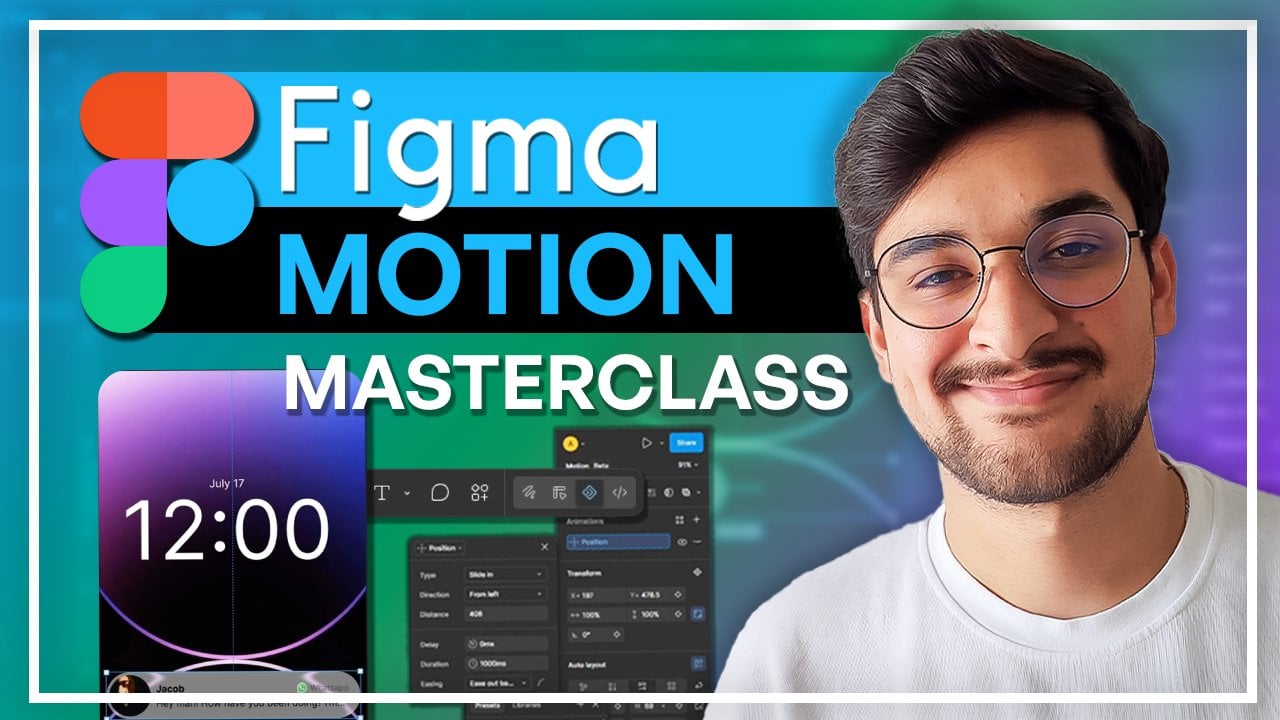
Thoughtful motion can guide attention, communicate changes, provide feedback, and make digital products feel more polished and intuitive. In this class, you'll learn how to bring static interface designs to life using Figma Motion and build practical animation skills specifically for UI and UX design.
We'll begin by exploring what Figma Motion is and where motion fits into a professional design workflow. You'll learn how to navigate the interface, set up your project correctly, and prepare UI components and layers before you begin animating.
From there, you'll create your first animation and learn the core principles behind interface motion. We'll work with position, scale, and opacity before diving into timing, duration, and easing - the details that can make the difference between an animation that feels mechanical and one that feels smooth and intentional.
As your skills develop, you'll learn how to sequence multiple elements, organize more complex animations on the timeline, create loops, and work with keyframes for greater control over your motion. We'll also look at common motion design mistakes and discuss how to avoid animations that are distracting, inconsistent, or unnecessarily complicated.
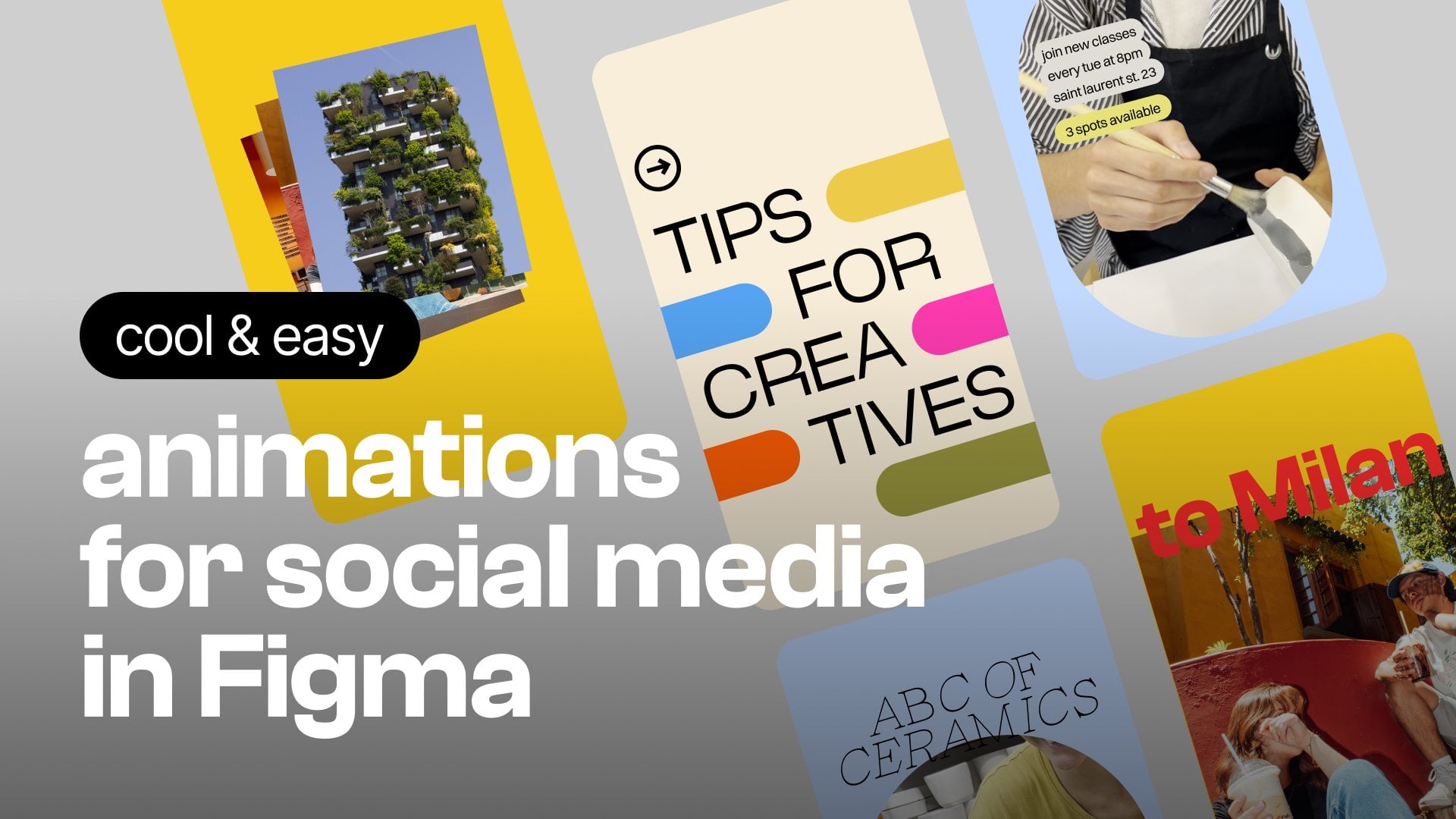
You'll then learn how to export your animations in practical formats including GIF, MP4, WebM, and SVG, allowing you to use your work in prototypes, portfolios, presentations, websites, and other projects.
Finally, we'll tackle more advanced examples, including an animated loading circle and progress window, before you apply everything you've learned to your own animated UI project.
By the end of this class, you'll understand both the technical workflow and the design principles behind effective UI motion, giving you the skills to turn static interfaces into polished, engaging experiences.
What You'll Learn
- Understanding Figma Motion and its role in UI/UX design
- Incorporating motion into a professional design workflow
- Setting up Figma Motion project files correctly
- Preparing interface components for animation
- Organizing layers for efficient animation
- Creating your first UI animation
- Animating position, scale, and opacity
- Controlling animation timing and duration
- Using easing to create more natural motion
- Sequencing multiple animated elements
- Organizing complex animations on the timeline
- Creating looping animations
- Working with keyframes
- Identifying and avoiding common motion design mistakes
- Exporting animations as GIF, MP4, WebM, and SVG
- Creating animated loading indicators
- Building more advanced progress animations
- Designing and animating your own UI experience
Requirements
- Basic familiarity with Figma
- A Figma account
- Access to the tools used for Figma Motion in the class
- A computer with an internet connection
- No previous motion design or animation experience required
Who This Class Is For
- UI and UX designers wanting to add motion to their skill set
- Figma users ready to move beyond static interface design
- Product designers interested in interactive experiences
- Web and app designers
- Beginner motion designers interested in UI animation
- Freelance designers looking to expand their services
- Designers wanting to create more engaging portfolio projects