Figma

BeginnerSelf-Paced10 hoursCourse

Learn Figma: User Interface Design Essentials - UI/UX Design

Offered through Skillshare

About this course

Do you want to become a UI/UX designer but you don't know where to start? This course will allow you to develop your user interface design skills and you can add UI designer to your CV and start getting clients for your skills.

Hi everyone. I'm Arash and I'm a UI/UX designer. In this course, I will help you learn and master Figma app comprehensively from scratch. Figma is an innovative and brilliant tool for User Interface design. It's used by everyone from entrepreneurs and start-ups to Apple, Airbnb, Facebook, etc.

By the end of this course, you will be able to create world-class User Interface (UI) and User Experience (UX) designs. Throughout the course first, you will learn about all the Design Basics, UI Elements, Typography, etc. and then we will work on real-world projects together.

Moreover, we will design a finance app completely from scratch and I will share with you all the necessary techniques and hidden secrets you need for mobile application and web design.

Additionally, we will design a complete modern landing page together where you will learn the essentials of web design.

This course has been designed for people completely new to UI/UX design or let’s say design in general. We will start with the most basic principles and work all the way through, step by step.

We start the course by explaining the differences between UI and UX design. And then we will start learning about Figma app in Figma Academy section. After that, we'll create a simple low-fidelity wireframe to understand its usage and benefits.

I’ll go over all of the essential tools necessary for creating an amazing User Interface (UI) and User Experience (UX). Not only will you learn about Figma app, but also you will learn about Adobe Photoshop, Vectary, Dribbble, Behance, etc.

The Design Basics section covers all the necessary principles, including: Layout, Iconography, Typography, Color Contrast, Composition, Spacing, etc.

One of the interesting parts of the User Experience design process is micro-interactions. I will teach you how to use InVision Studio for creating this kind of interaction.

With over 10 hours of content across 130+ lectures, I will take you from beginner to expert, and teach you everything you need to know in order to use Figma in a professional manner.

An amazing course for people with zero design experience, or for experienced designers who want to learn and master Figma and want to become a User Interface designer. By the end of this course, you’ll have a complete, real-world project for your own portfolio, and every student will have the knowledge and confidence to apply for a UI/UX designer job.

Course highlights:

- Mastering Figma App

- Tips & Tricks, make most of Figma Tools

- Colors, Iconography, and Typography

- BONUS! Get 2 brand-new UI Kits worth $3000.

So, what are you waiting for? Start the class today!!

Instructor

  • Arash Ahadzadeh

Reviews

No reviews yet. Be the first to review this course.

Discussion

Similar courses

Search for more
9h 29m
Skillshare

Figma UI UX Design Essentials

9 hours

Figma

Hi there - my name is Dan Scott & welcome to Figma Essentials. Together - you and me - are going to learn everything you need to get started working as a UX Designer using Figma. We’ll use this UI UX design tool to create beautiful User Interfaces and engaging prototypes. Most importantly... we'...

Figma

BeginnerSelf Paced
SubscriptionView course
39m
Skillshare

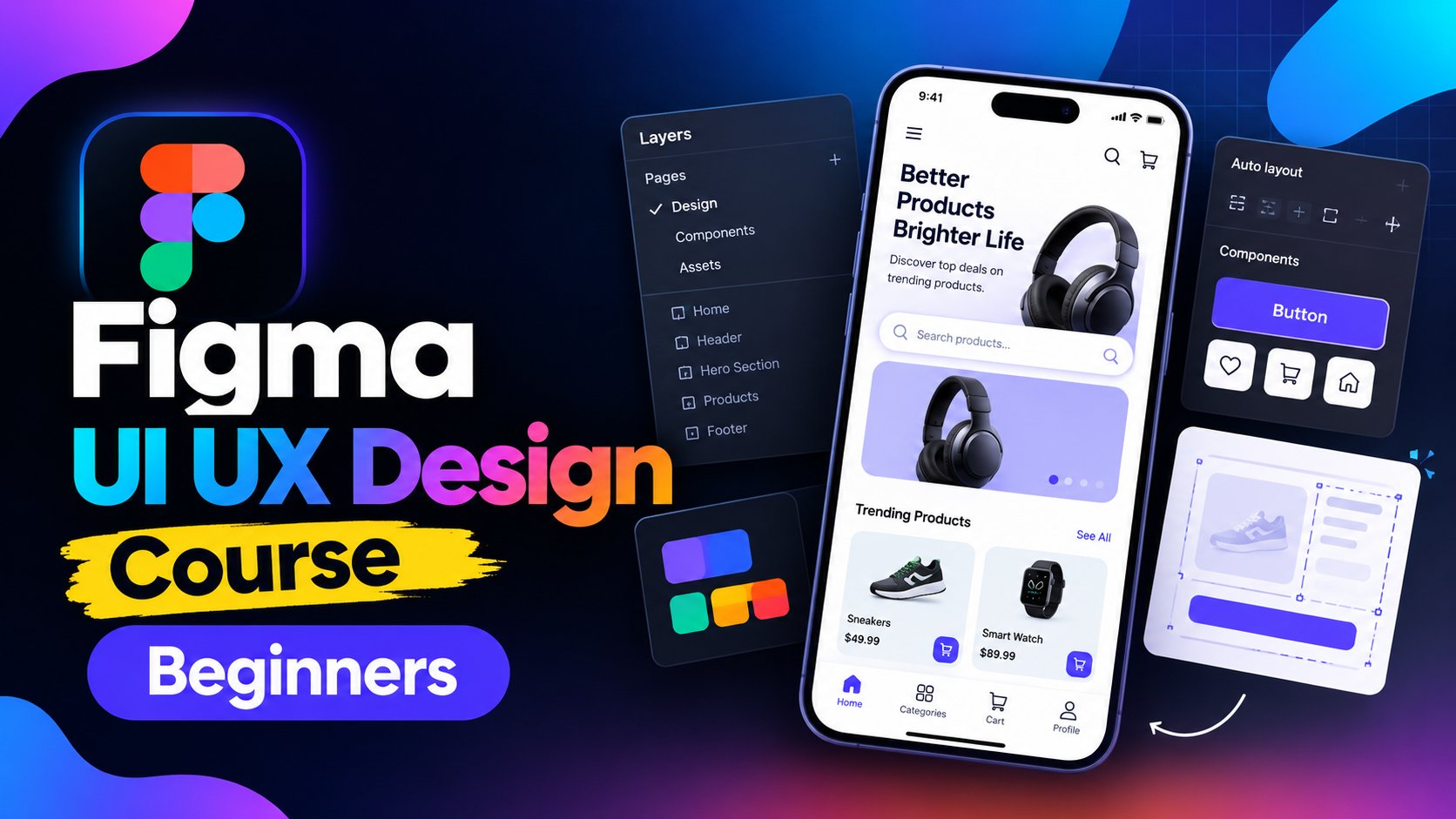
Figma UI UX Design Course For Beginners

39 minutes

Figma

Learn UI/UX Design with Figma from the basics in this beginner-friendly course. You’ll understand what UI and UX mean, explore the relationship between UI and UX, and learn how these concepts are applied in real-world digital products. What Students Will Learn Understand the fundamentals of UI (User...

Figma

BeginnerSelf Paced
SubscriptionView course
1h
YouTube

Figma Crash Course for Beginners

1 lesson, about 1.5 hours

Figma

A single ninety-minute session taking Figma from an empty file to a working interface: frames, components, auto layout and prototyping, aimed at somebody who has never opened it.

BeginnerSelf Paced
Free Online CourseView course

Related courses

Browse all
9h 29m
Skillshare

Figma UI UX Design Essentials

9 hours

Figma

Hi there - my name is Dan Scott & welcome to Figma Essentials. Together - you and me - are going to learn everything you need to get started working as a UX Designer using Figma. We’ll use this UI UX design tool to create beautiful User Interfaces and engaging prototypes. Most importantly... we'...

Figma

BeginnerSelf Paced
SubscriptionView course

More courses from Skillshare

View all
1h 16m
Skillshare

Vector Brush Gorgeous Line Art Floral Repeat Pattern

1 hour

Textile Design

Development of advanced techniques in Illustrator and Photoshop is the focus of this course, with the goal of helping you increase your proficiency with vector brushes and pattern design. You will craft a gorgeous floral line-art which can be finished in oh-so-many ways! In this course you will lear...

IntermediateSelf Paced
SubscriptionView course
24m
Skillshare

Plant Magic: Natural Dyeing in the Kitchen

24 minutes

Textile Design

Transform humble materials into luxurious fabrics through the craft of natural dyeing! This wonderful art combines textile design with sustainable living. Using food materials you can find in your kitchen, we'll brew three lovely colors from scratch: Pale pink from avocado pits Golden yellow from on...

BeginnerSelf Paced
SubscriptionView course
23m
Skillshare

Art on Denim: Let's Paint Sunflowers!

23 minutes

Textile Design

Give your denim a new lease of life by creating something totally original. With fabric painting, you are the artist and the textile designer! In this class we will cover the basic of fabric painting, learn what materials to use and discuss the best practice while working towards creating your weara...

BeginnerSelf Paced
SubscriptionView course

Subscription

Go to Class