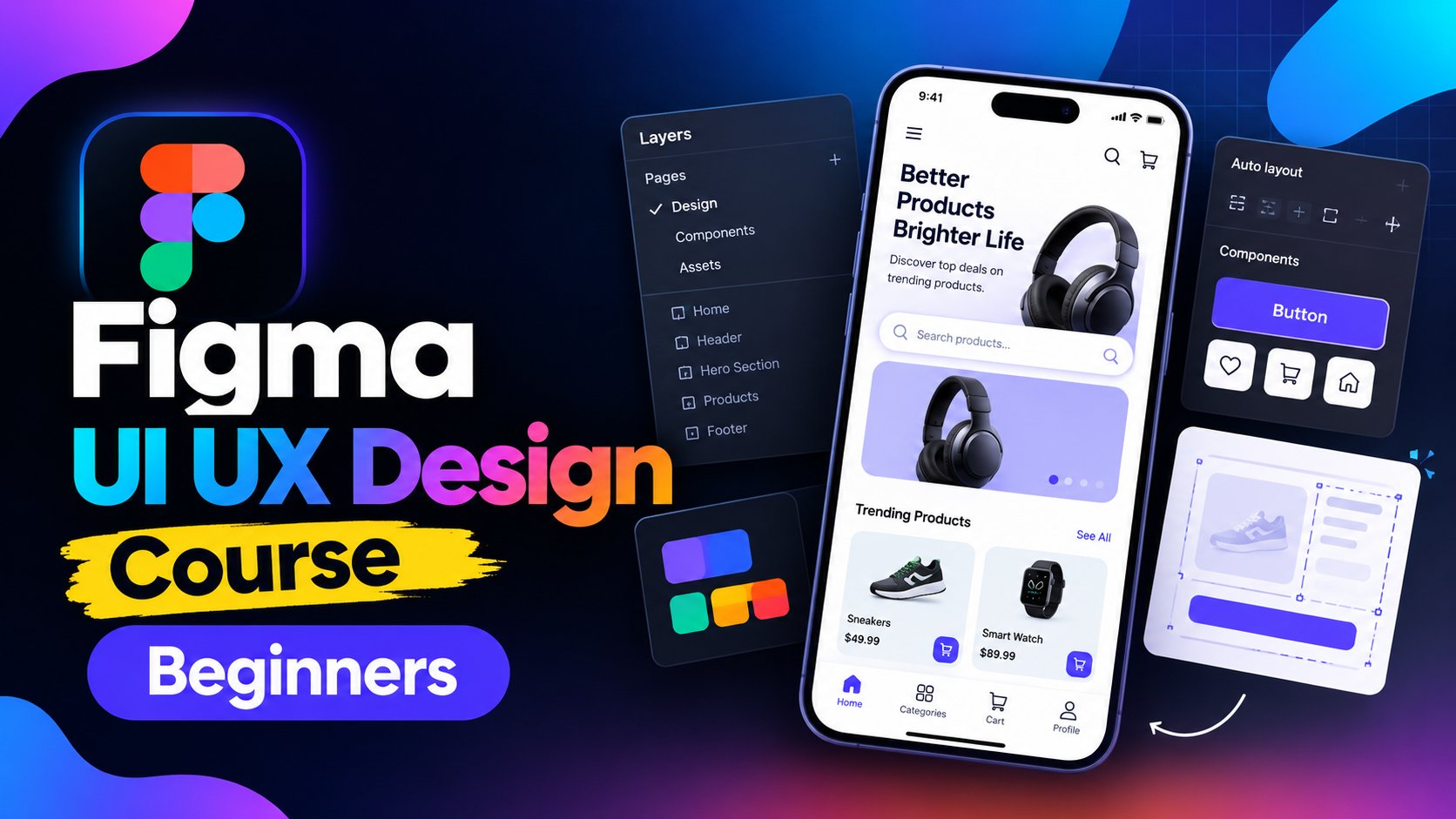
Thumbnails aren’t just a small detail — they’re the #1 factor that determines whether people click on your YouTube video or keep scrolling.
In this course, you’ll learn how to design scroll‑stopping thumbnails that grab attention and boost click‑through rate. We’ll cover everything from design principles and emotional psychology to AI tools and case studies from creators like Alex Hormozi, Iman Gadzhi, and Diary of a CEO. You’ll also learn how to test and optimize thumbnails so you know exactly what works.
What You’ll Learn
✅ The psychology behind thumbnails that get clicked
✅ Essential design principles for bold, clear thumbnails
✅ How to use Canva, Photoshop, and Figma for pro results
✅ Case studies from top creators (Alex Hormozi, Iman Gadzhi, Diary of a CEO)
✅ Using AI and templates to speed up your workflow
✅ Testing thumbnails with TubeBuddy and YouTube’s native tester
✅ When to outsource thumbnail design (and how to do it right)
Why Take This Class
Your thumbnail is your video’s billboard — if it doesn’t stop the scroll, no one will watch. Learning to create powerful thumbnails can boost views and help grow a channel without spending more time creating content.
Who This Class Is For
Perfect for YouTubers, content creators, marketers, and entrepreneurs who want to understand YouTube and YouTube thumbnail design better.
What You’ll Need
Just your computer and a free design tool (like Canva). No prior design experience required — I’ll walk you through everything step by step.