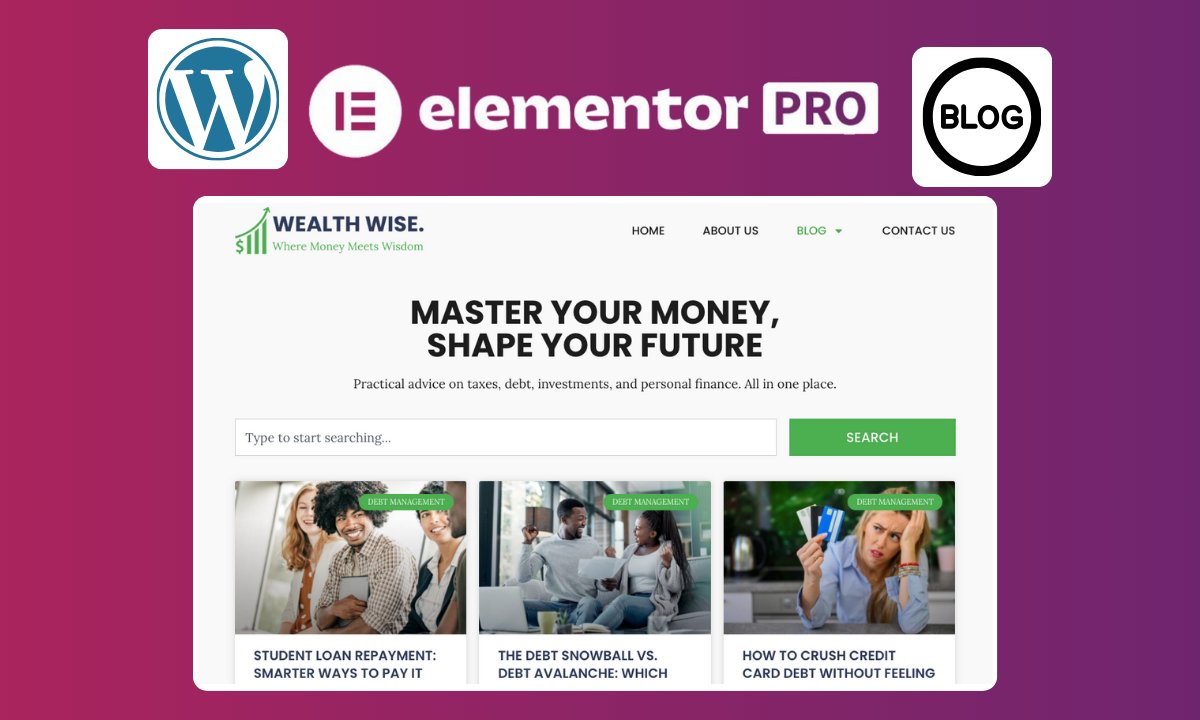
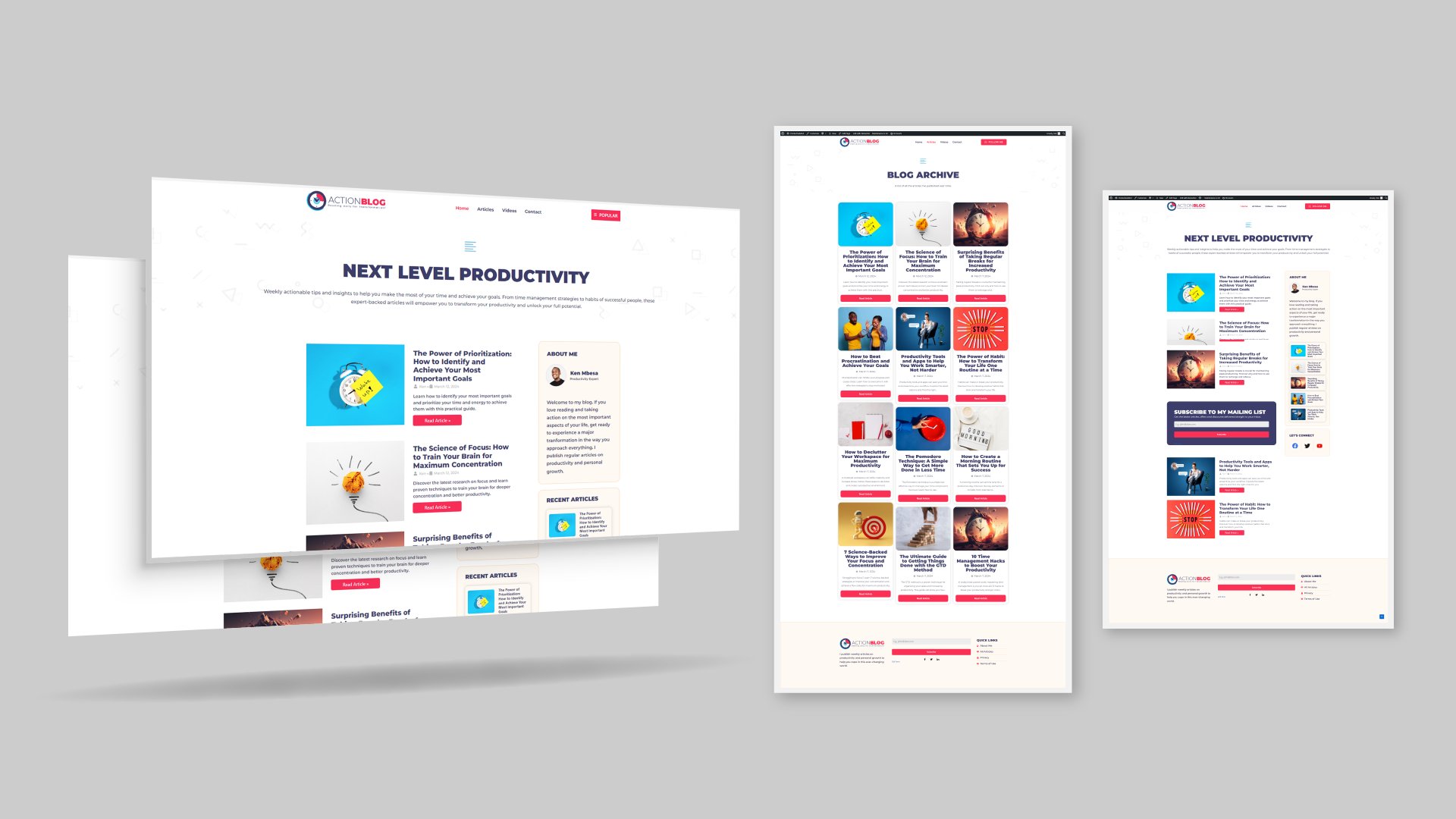
Do you want to create a professional personal website to showcase your skills, services, and work online while also learning Elementor?
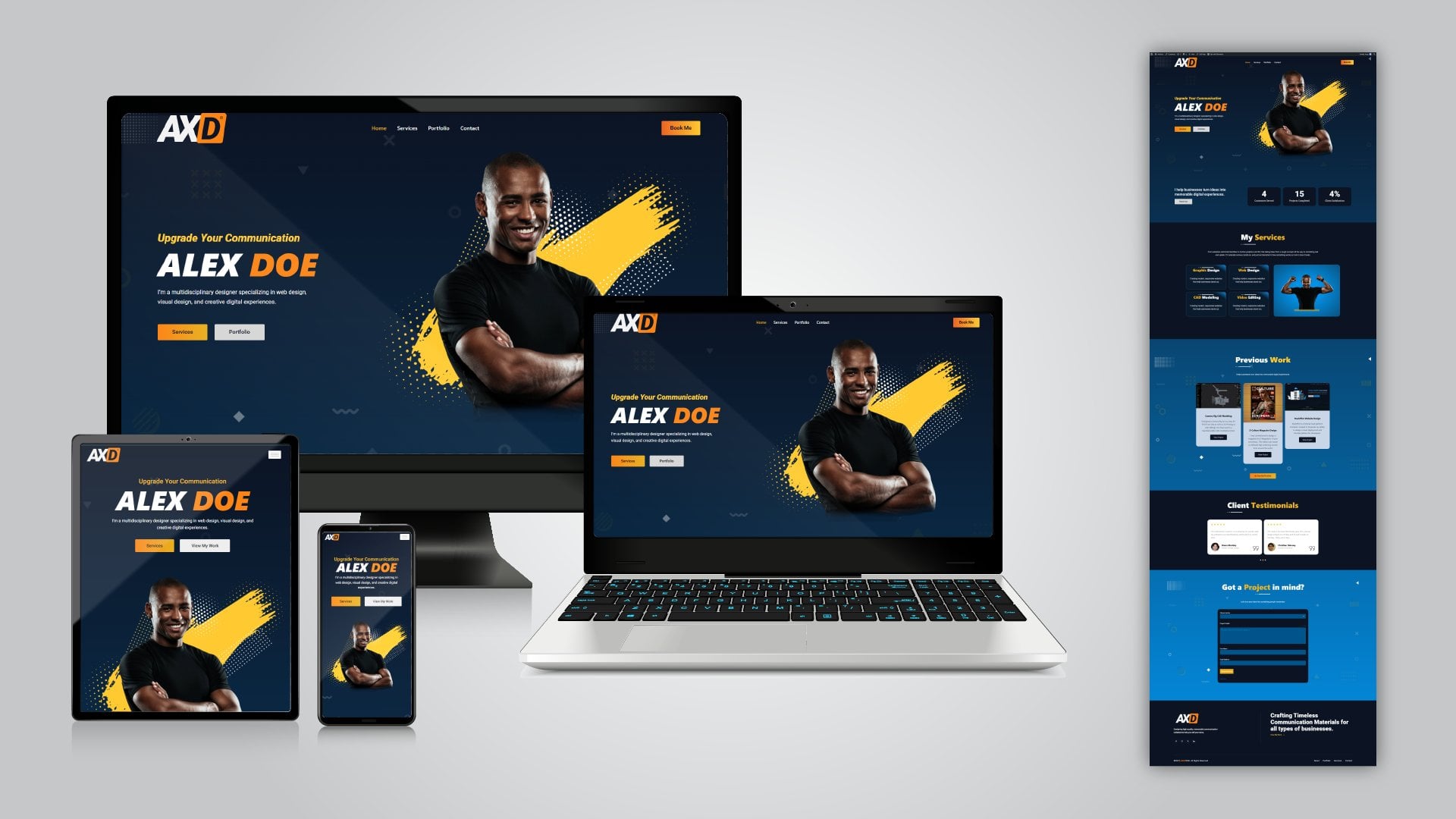
In this practical class, I’ll show you how to build a complete, responsive single-page personal brand website using WordPress, Elementor, and free WordPress plugins - no coding or vibe coding involved.
Throughout the class, you'll learn how to:
- Set up WordPress and install a suitable theme
- Install and configure Elementor
- Build a professional hero section with calls-to-action
- Create a navigation header with a logo, menu, and booking button
- Create a sticky header with scrolling effects
- Build services, portfolio, and testimonial sections
- Add motion effects to make your page more interesting
- Create a working contact form using a free plugin
- Add links throughout your website
- Build a professional footer
- Make your website responsive for desktop, tablet, and mobile devices
The goal isn't simply to learn what Elementor's widgets do. Instead, you will learn how to use those tools in a real-world project to create a website that has a real purpose: helping potential clients discover who you are, what you do, and how they can work with you.
By the end of the class, you will have a fully working personal brand website that you can customize with your own information, services, images, and portfolio projects.
Who is this class for?
This class is great for:
- Freelancers
- Designers
- Creative professionals
- Service providers
- Anyone who wants to build a personal website without having to write code or vibe code
You don't need to be an experienced web designer to follow along.
We'll build everything step by step using the free version of Elementor and free WordPress plugins.
So, let's build your personal brand website.