We all have massive creative skills, and we all want to show them off to the world in an online portfolio.
That can get tough, though. You don’t want to use a pre-built template because that loses your personal style. You want to build it up in WordPress and start from scratch. That is possible if you use the Elementor.com page builder, so in this class I will talk you through all of that. I will show you how to make a unique and cool portfolio website.
At the end of this, you will have your online visual business card out in the universe.
As a professional graphic designer, I will teach you how to use the FREE version of Elementor.
Here is what you will learn:
- Wordpress set-up
- Elementor.com page builder basics
- Just using the FREE version of Elementor
- Using the latest setup - Flexbox container and grid
- Image entrance animation
- Lightbox display
- Maps and social media
- Responsive design to make sure it works on mobile and tablet
This course is perfect for:
- Beginners—If you have never used WordPress or built a website, this will walk you through the site-building basics and show you how to incorporate those into your beautiful style.
- Experienced Website designers - For those of you comfortable with WordPress this will show you the best page builder for being super creative, and I will talk you through what needs to be on show in your portfolio, so you can impress anyone who visits
When your portfolio is complete and live, post it here in the projects section, and I’ll give you my full feedback.
For free hosting, head over to wasmer.io and set up Elementor that way. 2 other free hosting services that may work better for you are Infinity and GoogieHost.
Or if you are looking for a good but cheap paid version, check out Siteground. For a small site, the smallest package they have is all you need.
.
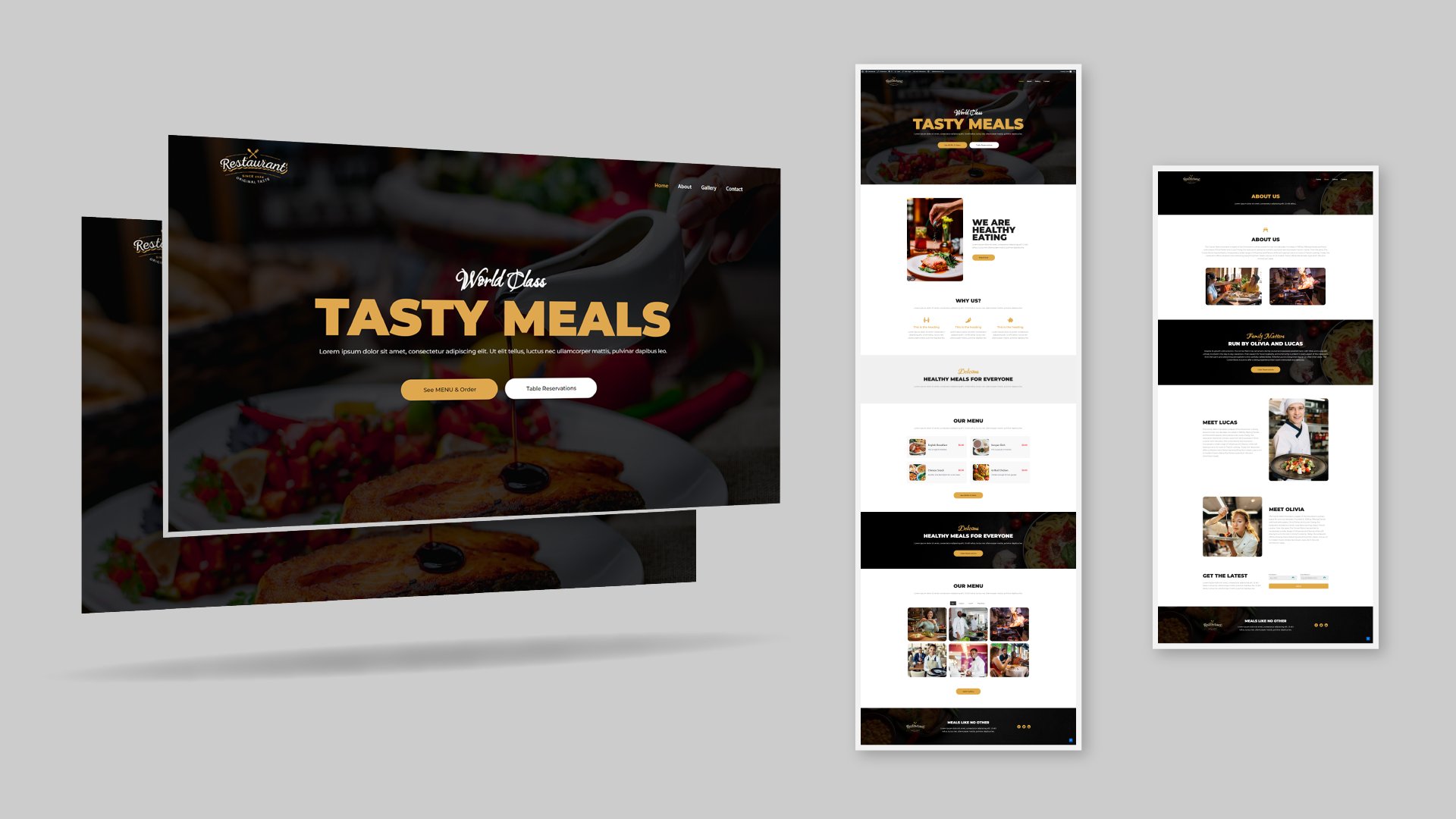
You can see the example portfolio I have made in the class here:
jonwdesign.com
Credits
- Music - Level Up! by Weary Eyes Icons8.com
- Extra film footage - Samuel Hesketh