Figma Crash Course for Beginners
1 lesson, about 1.5 hours
A single ninety-minute session taking Figma from an empty file to a working interface: frames, components, auto layout and prototyping, aimed at somebody who has never opened it.
Figma

PLEASE NOTE THERE IS A NEW VERSION OF THIS COURSE AVAILABLE!
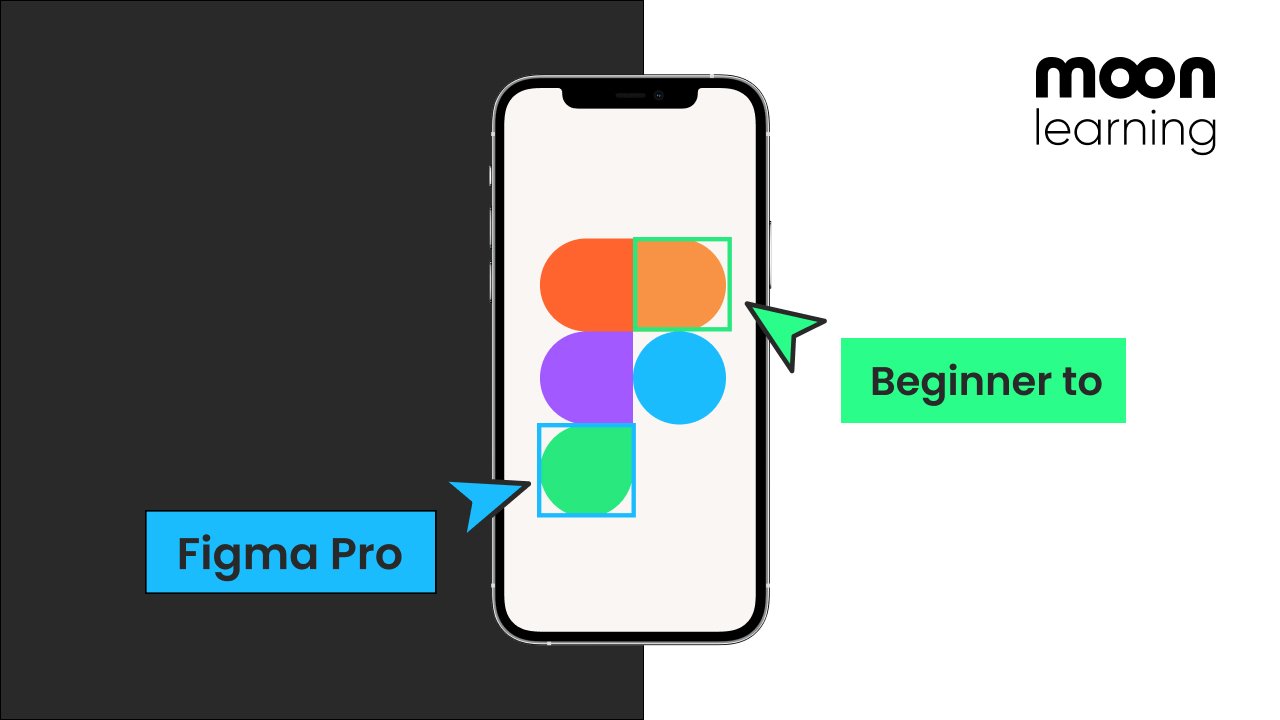
In this class, I am going to teach you everything you need to know about Figma as a UX/UI Designer.
We will start from zero, setting up an account and getting to know the Figma structure.
I will then introduce you to the brief as throughout the course we will work on a real project to create a tracking app from the first stroke to finish design.
We will start with setting up a wireframe and flowchart using Figma whereby I will show you all the Figma basics such as
- Setting up frames - Adding shapes, text, and color - Vector drawings in Figma - learn about the layers panel, grouping, and positioning - The magic of auto layout - Using pages in Figma for structure - Creating simple flow charts
We will then bring the wireframe alive and set up the UI Design, where we will get to know powerful features such as
- Styles for your color and typography settings to create a hierarchy - Setting up Grids in Figma - Learn about components and variants, a must for any UX/UI Designer - Use constraints to test your design on different screen sizes - Learn how to use the Figma community section - Clipping and fixing elements for presentation mode
To finish off I will show you how to create a team library and share your files with your design and development team the right way.
In under two hours, you will find out everything about Figma that you need to tackle any project. Let's start!
© moonlearning.io with moon learning
Christine Vallaure
No reviews yet. Be the first to review this course.
1 lesson, about 1.5 hours
A single ninety-minute session taking Figma from an empty file to a working interface: frames, components, auto layout and prototyping, aimed at somebody who has never opened it.
1 lesson, 13 minutes
A single session on web development, 13 minutes, published on YouTube by Coder Coder. Watched here on the course page.
1 lesson, about 6 hours
A single session on product management, about 6 hours, published on YouTube by Intellipaat. Watched here on the course page.
1 lesson, about 6 hours
A single session on product management, about 6 hours, published on YouTube by Intellipaat. Watched here on the course page.
7 lessons, about 1 hour
A 7-lesson playlist on UX/UI design, 54 minutes, published on YouTube by Figma. Watched here on the course page.
1 lesson, about 1.5 hours
A single ninety-minute session taking Figma from an empty file to a working interface: frames, components, auto layout and prototyping, aimed at somebody who has never opened it.
7 lessons, about 1 hour
A 7-lesson playlist on UX/UI design, 54 minutes, published on YouTube by Figma. Watched here on the course page.
9 hours
Hi there - my name is Dan Scott & welcome to Figma Essentials. Together - you and me - are going to learn everything you need to get started working as a UX Designer using Figma. We’ll use this UI UX design tool to create beautiful User Interfaces and engaging prototypes. Most importantly... we'...
1 hour
Development of advanced techniques in Illustrator and Photoshop is the focus of this course, with the goal of helping you increase your proficiency with vector brushes and pattern design. You will craft a gorgeous floral line-art which can be finished in oh-so-many ways! In this course you will lear...
24 minutes
Transform humble materials into luxurious fabrics through the craft of natural dyeing! This wonderful art combines textile design with sustainable living. Using food materials you can find in your kitchen, we'll brew three lovely colors from scratch: Pale pink from avocado pits Golden yellow from on...
23 minutes
Give your denim a new lease of life by creating something totally original. With fabric painting, you are the artist and the textile designer! In this class we will cover the basic of fabric painting, learn what materials to use and discuss the best practice while working towards creating your weara...
Subscription