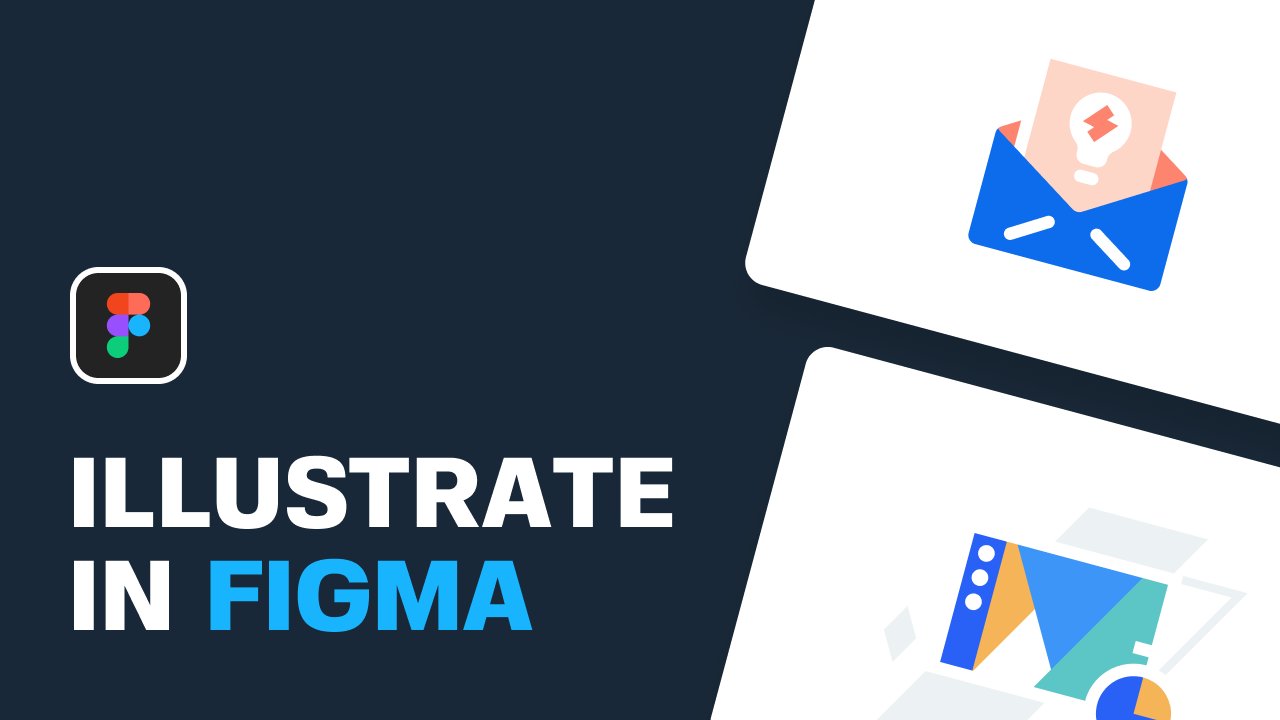
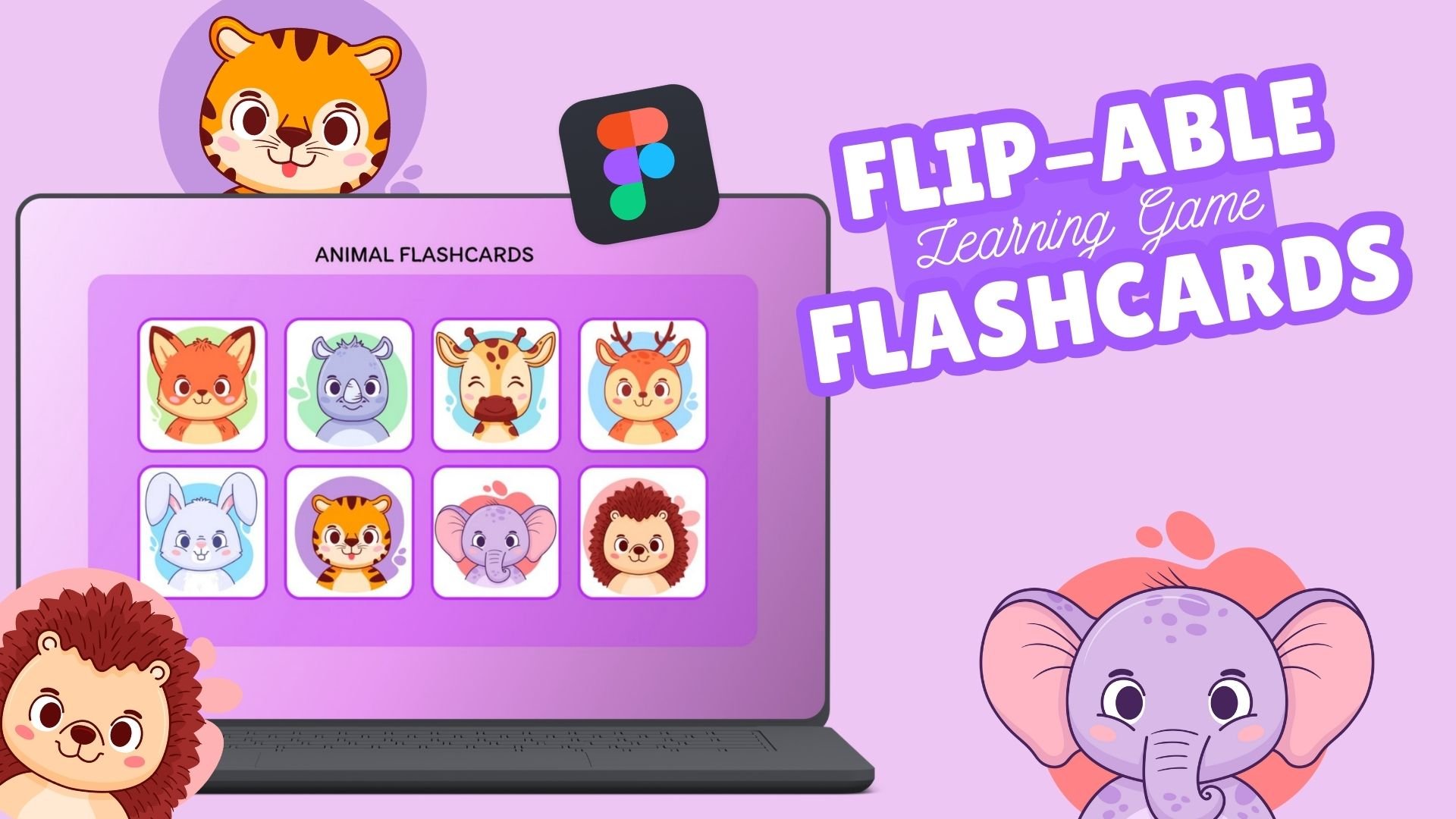
Hi, my names Liudvikas (a.k.a. Liudas) and I've been a UI/UX designer for the last 5+ years. As a passion of mine, I also created illustrations. First, using Adobe Illustrator and now - Figma. In this class you're going to learn how to create stunning vector illustrations from scratch. We're going to take it step by step and make 3 illustrations for real scenarios that you would come up in your career as a designer.
Why use Figma for illustration?
Figma is primarily a user interface tool. However, there's a lot than you can get from it:
- Figma is free and available both, for Windows and Mac. You can even use it in your browser!
- Smooth performance, even on bigger projects.
- Lots of functionality that you're used to getting from Adobe Illustrator - and more!
- There's many world-class illustrators are jumping ship from Illustrator to Figma.
- Innovative features, like vector networks.
Is this class for you?
This class is perfect for:
- Beginner illustrators, who want to create stunning vector artwork.
- Adobe Illustrator users who want to try an alternative.
- UI/UX and product designers who want to include artwork in their interface designs.
- WEB designers creating marketing websites and want to add delightful illustrations.
- Anyone who's new to Figma altogether or new to illustration within Figma workflow.
What are you going to learn?
Value from this course:
- Illustration process and thoughts behind the artwork.
- Introduction to Figma basics for illustration.
- 3 illustrations from scratch for real life scenarios. You're going to see what it takes to create a digital illustration with purpose.
- Figma tips and tricks.
- You're going to create 3 illustrations of your own using techniques shown in the course.
- BONUS. How to easily animate your illustrations in Figma.
-