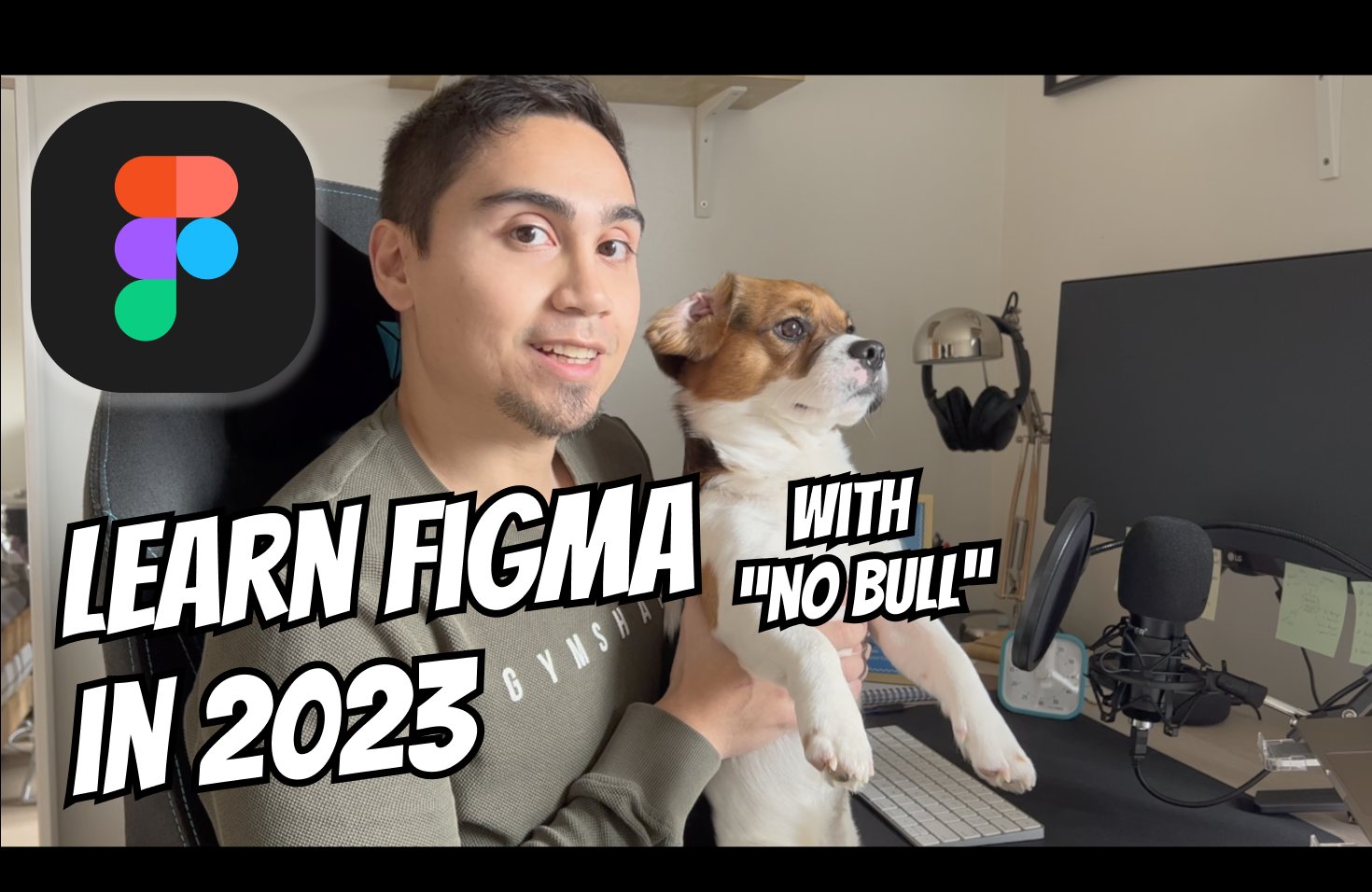
Are you looking to become a pro at UX/UI/Product design in 2023? Look no further than my No Bull Guide to Figma course! In this course, you will learn everything you need to know about Figma, from the basics to the advanced techniques, in a way that's easy to understand and follow. With my "No Bull" approach, I cut through the fluff and get right to the heart of what you need to know.
This course is suitable for all levels—beginners will get up to speed, and even advanced users can learn a new trick or two.
I'm here to give you the best possible chance at success, honestly.
What you'll be able to achieve
Using my techniques, here's a previous project to demonstrate what's possible: https://www.smile.co.uk
Course syllabus
The course is divided into eight modules, each covering a different aspect of Figma design. Here's a breakdown of what you'll learn:
Module 1 - Orientation to the Figma window: Learn the basics of the Figma interface, including the canvas, layers, and toolbars.
Module 2 - Shapes, border radius, and editing shapes: Master the different shape tools and learn how to adjust their properties, including border radius and colour.
Module 3 - Colour and Typography styles: Set yourself up for success by mastering the setup of styles before going wild on designing.
Module 4 - Groups, Frames, sections: Learn how to group and organise your designs using Frames and sections, and use smart selections to make edits faster.
Module 5 - Auto layout, alignment, resizing, and spacing: Learn how to create responsive designs using auto layout, alignment, and spacing techniques.
Module 6 - Components, instances, and properties: Learn how to create and use reusable components in Figma, and how to adjust their properties to fit your designs.
Module 7 - Responsive components: Master the art of creating responsive components that adapt to different screen sizes.
Module 8 - Prototyping, interactions, flows, and share links: Discover Figma's prototyping tools and learn how to create interactions and flows in your designs.
Course outcomes
Expect regular updates, new lessons, and additional resources to be added to the course, so be sure to check back often. With this comprehensive course, you'll have the skills and knowledge you need to create stunning designs and prototypes using Figma, collaborate effectively with team members, and impress your clients or employers.
Why you can trust me
- Over 8 years of high-growth experience in the tech industry
- I've worked as both a Product Designer and Software Engineer
- Previous work places include: Jaguar Land Rover, The Co-operative Bank, and Cake Solutions - A Disney Streaming company
- I'm an official Friend of Figma for Manchester
- My writing on Medium has over 300k views (and over 3,000 followers!)
So, let's dive in, and take your design skills to the next level!