2h 25m

YouTube
Automotive Plastic Design Using CATIA V5 (Part1)
2 hours
11 lessons, 145 minutes in all, from YouTube.
Beginner
Free Online CourseView course
Textile Design
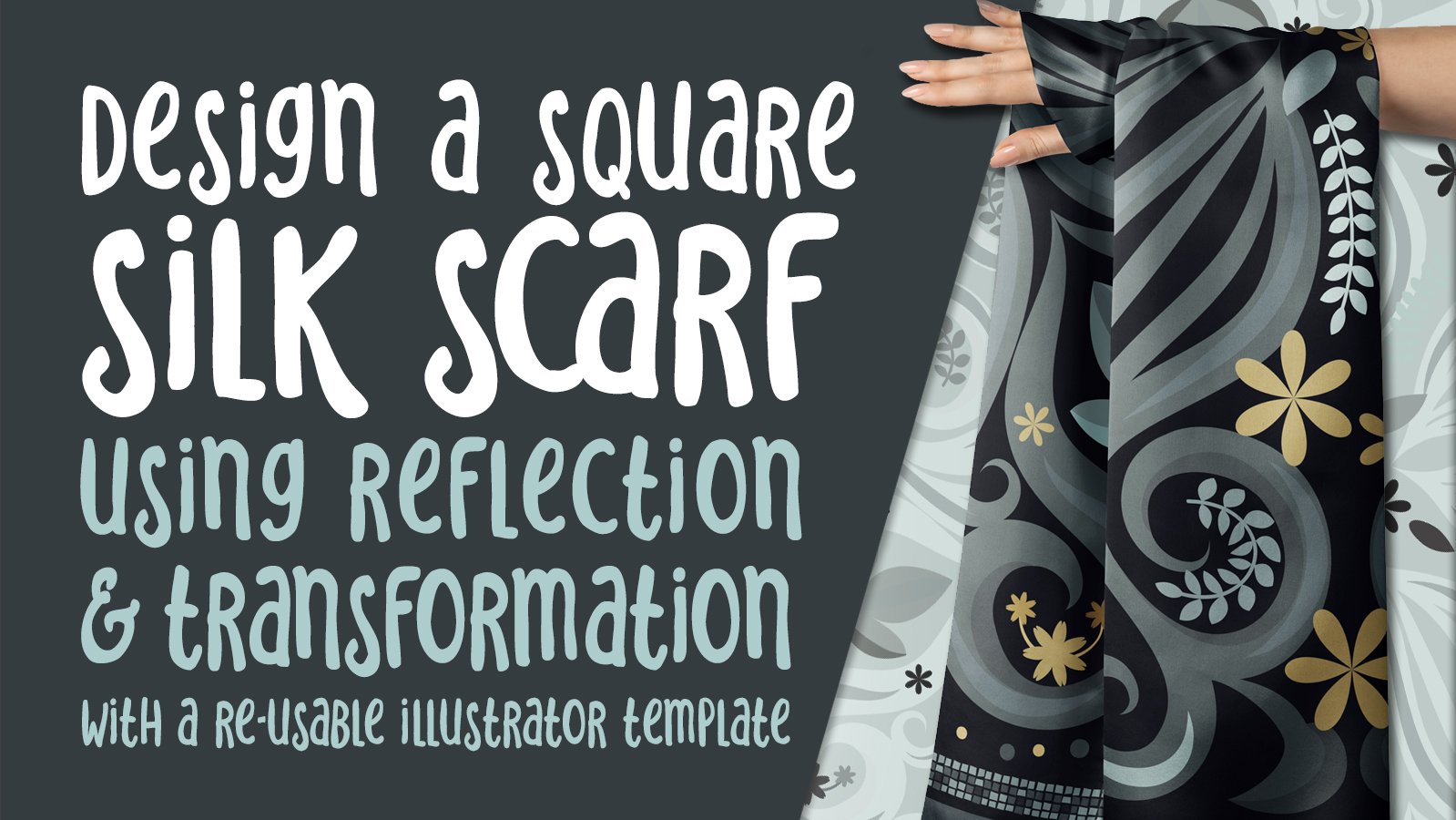
"The first widely recorded instance of a scarf dates back to 350 BC when Egyptian Queen Nefertiti wore a finely woven style with a headdress. Several decades later in 1837, Queen Victoria ascended to the throne, and it was during her reign that silk scarves became an accessory for the nobility, a symbol of luxury. Most items in fashion today were born from some kind of need: Leggings were conceived to provide added warmth, straw hats were woven to block the sun’s rays, and bucket hats were crafted to offer protection from the rain. And while scarves also share a practical purpose (for the most part, as a way to keep your neck warm), those of the silk variety—luxuriously smooth to the touch and light in weight—really serve no other function than to complete an outfit." *
Knowing all this made designing a silk scarf is an exciting prospect for me. I was inspired by the beautiful scarves I looked at by "Hemlock Goods" and on the site "Furious Goose". "All the chicest icons I can think of—Brigitte Bardot, Faye Dunaway, Lauren Bacall, Bianca Jagger, and Jackie Kennedy—turned to silk scarves to infuse their looks with effortless glamour in the '50s and '60s. By the '70s, emboldened by the free-spirit nature of the decade, silk scarves became bolder in their design, with in-your-face patterns and striking colors, which were worn as dramatic head wraps or around the neck to complement flowy looks. Now, in this age, we are seeing scarves again. In 2018, Marc Jacobs topped his models with silky turbans, and finally, to complete her tribute collection to Gianni Versace, Donatella Versace gave scarves the same archival print treatment as she did with the clothing. With maximalism going the way it has, along with fashion's more and more." *
When you take a closer look at these scarves and reflected patterns, the production of them can seem very intimidating. However, as with most patterns, if you consider all factors such as the repeats and reflections, you’ll determine that it’s not as challenging as you feared, especially if you use the Appearance Panel and pathfinder and transform effects. Creating a re-usable template is the way to go! You could be making scarves by the dozen, once you have your template! In this class, I will impart what I’ve learned about square scarf art making. We will study gorgeous examples of patterns and I will share some of the planning and sketches I have done. Learning to plan and research is an important skill!
Every technique discussed in the class is backed up with examples and explanation. We will build on techniques you have learned in other classes, like the use of the transformation template and pattern tool in Illustrator. My hope is that after seeing all the examples and explanation, you can better grasp how to create these patterns on your own.
Are you prepared to plan and produce Damask patterns? That’s completely do-able once you’ve learned a few of these simple techniques.
The key concepts I will include:
- Creating motifs using the Shape Builder, Art Brushes and Pathfinder - Many other considerations to do with designing reflected repeats efficiently - Approaches you can take in your creative work moving forward - Working with the re-colour tool
This is a relevant course for you to take no matter what the end purpose for the reflected artwork you create. If you would like to learn how to make a template to use in repeated scarf design making, this class is for you!
Excerpt from *ANDREA CHENG - AUG 2, 2018
Intro:
This short intro will give you an overview of the class and explain the processes we will go through in the following lessons.
Lesson 1: Overview, Inspiration
In this lesson, I will show you how I was inspired to create the transformation template for use in creating square silk scarves.
Lesson 2: Explaining the Template
This lesson will focus on the first transformation which will be a reflection from side-to-side on the initial quadrant. I will also review simple brushes and explain a few more things about adjusting the strokes.
Lesson 3: Brushwork and Expanded Strokes Adjustments
In this lesson, we will talk a little more about brush strokes and I will also explain my process for design. We will take a minute to look at expanding brush strokes and the adjustments of the resulting shapes.
Lesson 4: Adding Dimension - 2 Different Methods
We will go through the process of dividing some of the shapes using Pathfinder. This will help us to add dimension. I will also show you an alternate technique.
Lesson 5: Embellishments and Prepping for Final Setup
In this lesson, I will show you the adding of simple embellishments which I will show you how to make. We are readying for the production of the 4 corner transformation.
Lesson 6: Four Corners Transformation
Here's the lesson where I make a critical error, and now you can learn how I rectify the problem!
Lesson 7: Cropping and Filling Out the Design
There are a number of other considerations we will work our way through in this lesson. I will explain how to have asymmetrical elements as part of your design. I make a critical error, and now you can learn how I rectify the cropping problem!
Lesson 8: Finalization and Mockups
I absolutely finalize the artwork and show you how to expand appearance. We will expand appearance and copy the whole thing. Then we will paste it into the mockups.
Lesson 9: Retrospective Review of Techniques
In this lesson, I will show you another method to create your main scarf template that does not involve reflecting the diagonal half of the design.
Outro and Conclusion
We will conclude everything in this lesson with a chat about next steps.
You will get the bonus of…
- over 1 hour of direction from an instructor who has been in the graphic design business and education for over 40 years - knowledge of multiple ways to solve each design challenge
Delores Naskrent
No reviews yet. Be the first to review this course.
2 hours
11 lessons, 145 minutes in all, from YouTube.
8 lessons, about 9 hours
8 sessions on growth hacking, about 9 hours in total, published on YouTube by Iacopo Livia. Watched here, lesson by lesson.
144 hours
A 144-hour UX and UI design certificate from Noble Desktop, taught live in New York or online, ending in a portfolio and a job-ready resume.
120 hours
A 120-hour UI design certificate from Noble Desktop covering Figma, Photoshop and Illustrator, taught live in New York or online.
420 hours
A 420-hour generative AI course from Noble Desktop, taught live in New York or online.
264 hours
A 264-hour generative AI course from Noble Desktop, taught live in New York or online.
27 hours
Share your videos with friends, family, and the world
12 hours
This Playlist Will Help you to learn textile Designing in this playlist you will find video of Path Work and How to use Pen tool selection tool, brush tool, ...
57 hours
Welcome to SEASON 4 of the Textile Design Full Course by ASHRAFI TEXTILE DESIGN COURSE. यह playlist उन सभी लोगों के लिए है जो Textile Design को बिल्कुल Basic...
1 hour
Development of advanced techniques in Illustrator and Photoshop is the focus of this course, with the goal of helping you increase your proficiency with vector brushes and pattern design. You will craft a gorgeous floral line-art which can be finished in oh-so-many ways! In this course you will lear...
24 minutes
Transform humble materials into luxurious fabrics through the craft of natural dyeing! This wonderful art combines textile design with sustainable living. Using food materials you can find in your kitchen, we'll brew three lovely colors from scratch: Pale pink from avocado pits Golden yellow from on...
23 minutes
Give your denim a new lease of life by creating something totally original. With fabric painting, you are the artist and the textile designer! In this class we will cover the basic of fabric painting, learn what materials to use and discuss the best practice while working towards creating your weara...
Subscription