1h
YouTube
Figma Interactive UI Kit Series
10 lessons, about 2 hours
A 10-lesson playlist on UX/UI design, about 2 hours, published on YouTube by DesignXstream. Watched here on the course page.
IntermediateSelf Paced
Free Online CourseView course
Figma
Hey!
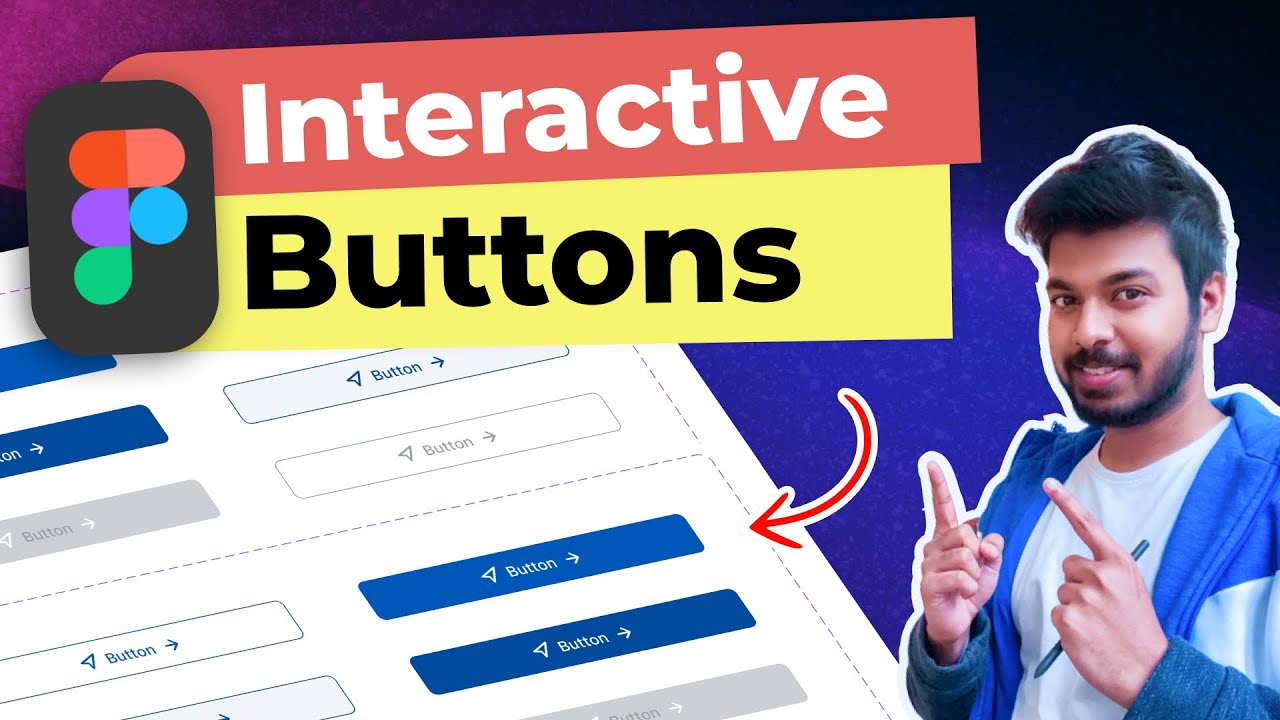
Welcome to this tutorial! Here you will learn how to create Interactive components in Figma. Is a new feature that allows you to have interactivity inside a single component so when you put that component into a frame or a working prototype has its own animations or states embedded.
We will be making interactive components for Buttons, Inputs, Radio buttons, spinners, loading bars, and how to animate an illustration.
If you want to explore the interactive components universe in order to improve your workflow in Figma join to this course!
Here you can see the Tutorial Figma document:
https://www.figma.com/file/N7FzMtJkFqfrabgk65l2L6/Interactive-components?node-id=21%3A2249
You don't need too much experience in Figma to follow this tutorial, although if you are new to Figma I suggest you start with other courses I have to learn the basics and then come back to this one.
Create a Design system from scratch:
https://www.skillshare.com/classes/Figma-create-a-Design-System/894614838
Master variants in Figma
https://www.skillshare.com/classes/Figma-using-Variants/962464417
Bruno Sáez López
No reviews yet. Be the first to review this course.
10 lessons, about 2 hours
A 10-lesson playlist on UX/UI design, about 2 hours, published on YouTube by DesignXstream. Watched here on the course page.
1 lesson, about 1.5 hours
A single ninety-minute session taking Figma from an empty file to a working interface: frames, components, auto layout and prototyping, aimed at somebody who has never opened it.
6 hours
A six-hour advanced Figma class from Noble Desktop, taught in New York or live online, covering variables, modes and conditional prototyping.
16 lessons, about 18 hours
A 16-lesson playlist on UX/UI design, about 18 hours, published on YouTube by Figma. Watched here on the course page.
7 lessons, about 1 hour
A 7-lesson playlist on UX/UI design, 54 minutes, published on YouTube by Figma. Watched here on the course page.
81 lessons, about 24 hours
A 81-lesson playlist on UX/UI design, about 24 hours, published on YouTube by Pelfizz. Watched here on the course page.
1 lesson, about 1.5 hours
A single ninety-minute session taking Figma from an empty file to a working interface: frames, components, auto layout and prototyping, aimed at somebody who has never opened it.
6 hours
A six-hour advanced Figma class from Noble Desktop, taught in New York or live online, covering variables, modes and conditional prototyping.
16 lessons, about 18 hours
A 16-lesson playlist on UX/UI design, about 18 hours, published on YouTube by Figma. Watched here on the course page.
1 hour
Development of advanced techniques in Illustrator and Photoshop is the focus of this course, with the goal of helping you increase your proficiency with vector brushes and pattern design. You will craft a gorgeous floral line-art which can be finished in oh-so-many ways! In this course you will lear...
24 minutes
Transform humble materials into luxurious fabrics through the craft of natural dyeing! This wonderful art combines textile design with sustainable living. Using food materials you can find in your kitchen, we'll brew three lovely colors from scratch: Pale pink from avocado pits Golden yellow from on...
23 minutes
Give your denim a new lease of life by creating something totally original. With fabric painting, you are the artist and the textile designer! In this class we will cover the basic of fabric painting, learn what materials to use and discuss the best practice while working towards creating your weara...
Subscription