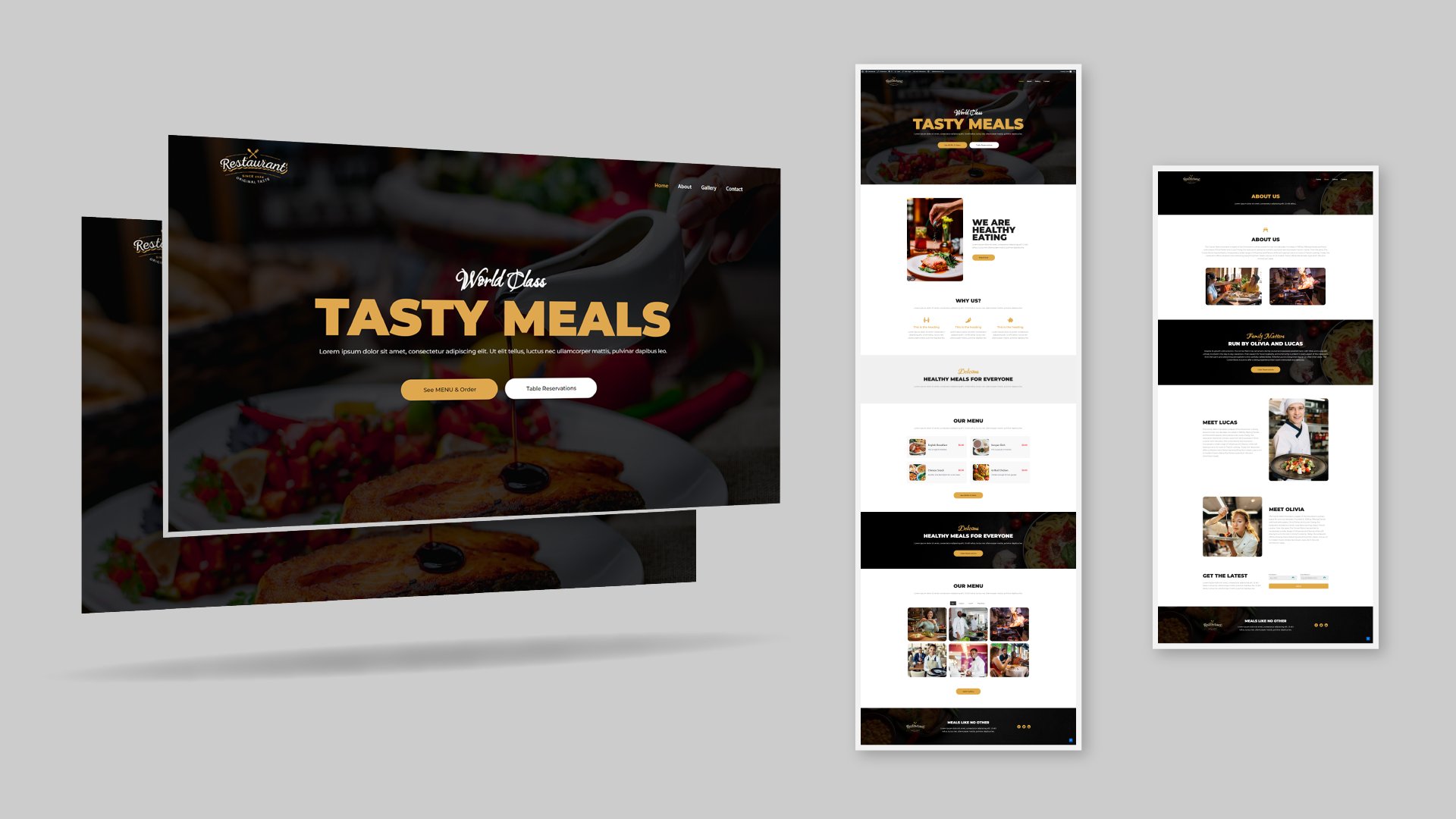
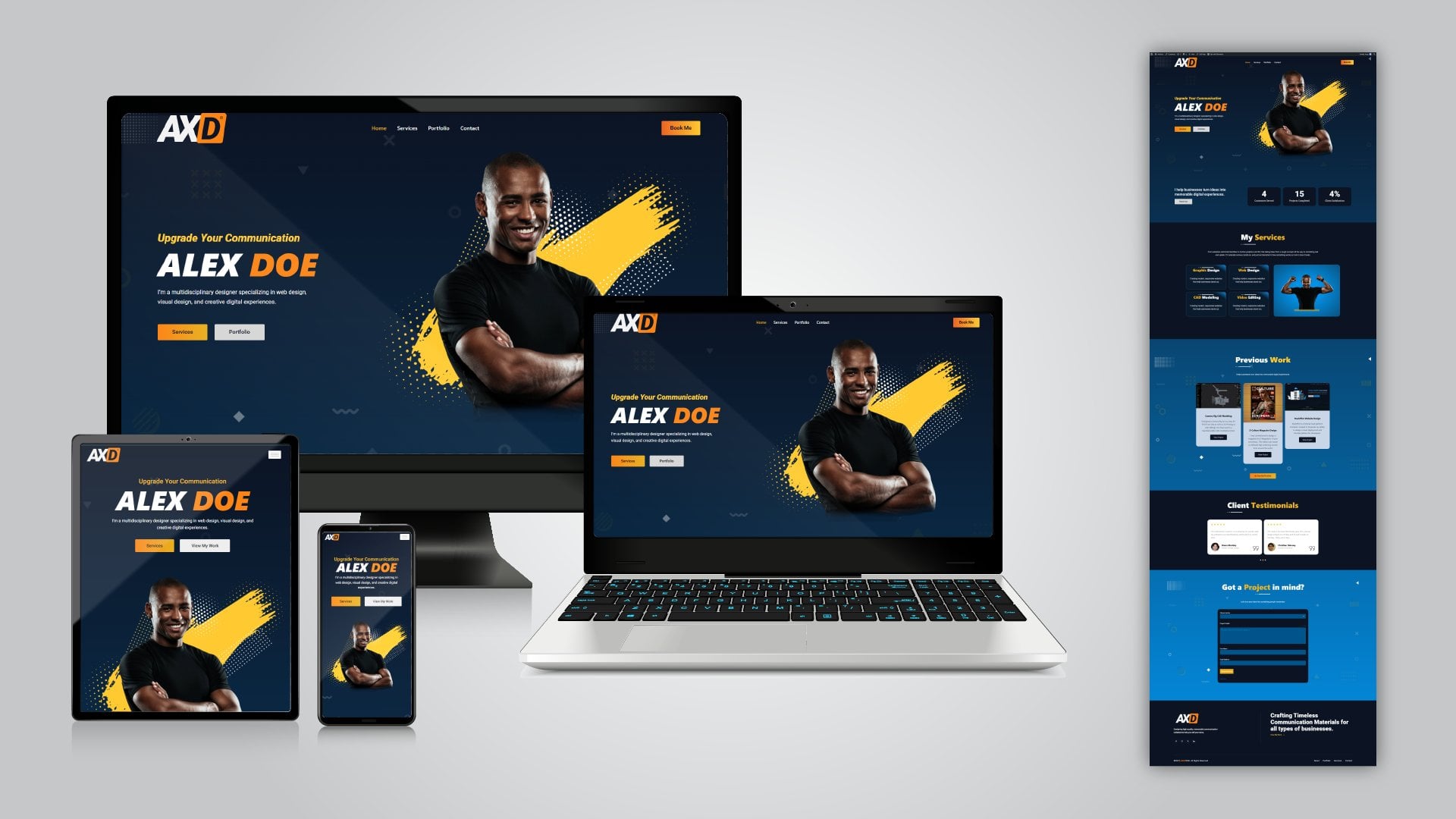
🚀 Don’t “learn WordPress” the slow way. In this 4+ hour follow-along masterclass, you’ll build a complete, professional *client-ready agency/business website* from a fresh WordPress install - using *Elementor + free tools* , *no coding* , and a workflow we use on real projects. By the end, you’ll have a full website with core pages, a working contact form, a blog setup, and a clean header/footer - fully mobile responsive.
✅ *Get Free Domain & Web Hosting* (78% OFF 💸):
https://jimfahaddigital.com/besthost
( *Exclusive* : Click above link & use coupon code *JFD10* to get up to *78% DISCOUNT* !)
✅ *FREELANCING MASTERY is now LIVE!*
🔥 https://jimfahaddigital.com/freelancing21 🔥
(The wait is over — enroll in the full course now.)
✅ *Download Exclusive Elementor Templates* :
https://kitpapa.com
✅ *Download Exclusive eCommerce Templates* :
https://kitninja.com
---
👉 *What you’ll build in this tutorial (step-by-step)*
A clean *Home* page (hero, services, portfolio, reviews, about section)
↪ A professional *About* page (team + FAQ)
↪ A complete *Services* page (cards + buttons + FAQ)
↪ *Single Service* pages (template import + editing + linking from service cards)
↪ A *Contact* page with a working form + notifications + Google Map
↪ An SEO-friendly *Blog setup* (posts + categories/tags + blog page + customization)
↪ A clean *Header & Footer* + navigation menu
↪ A *Free logo + favicon* setup
↪ Full *mobile responsiveness* across sections and pages
---
🧩 *Course Roadmap (4 Simple Steps)*
1. Get a domain + hosting (foundation setup)
2. Install WordPress (fresh install walkthrough)
3. Install FREE theme + plugins (the right stack for beginners)
4. Build the full website in Elementor (drag & drop, responsive, client-ready)
---
🛠️ *Tools & stack used (beginner-friendly)*
↪ *Theme* Kadence (and what a theme actually is)
↪ *Builder* Elementor
↪ *Plugins* ElementsKit Lite, Royal Elementor Addons, MetForm
↪ *Blog editor* Classic Editor (for simple blogging workflow)
---
📌 *In this masterclass, you’ll also learn*
↪ WordPress dashboard + settings cleanup (notifications, plugins, permalinks, general settings)
↪ How to create pages properly and set *Home* + *Blog* page in Settings → Reading
↪ Elementor basics: containers, layout, alignment, style/advanced settings
↪ Global typography + color system (so your design stays consistent)
↪ How to make every section *responsive* for mobile
↪ How to confirm the form is working + view entries + set email notifications
---
⏱️ *Chapters (quick navigation)*
0:00:00 Overview
0:02:38 Get Your Domain & Web Hosting (78% Off)
0:12:21 Install WordPress
0:15:02 WordPress Dashboard Settings
0:21:27 Install Required Plugins & Theme
0:27:54 Create WordPress Pages
0:30:18 Make Website FAST using Kitpapa Templates (Optional)
0:53:07 Create Home Page Step By Step using Elementor
1:36:56 Setup Global Color & Fonts
2:48:02 Create About Page Step By Step
3:10:21 Create Services Page Step By Step
3:15:41 Create single Service Page Web design
3:21:50 Create Contact Page Step By Step
3:07:49 Create Contact Page
3:58:08 Create Blogs Step By Step
4:13:34 Create Header, Footer & Menu
3:58:16 Create Menus For Header
4:17:18 Creating a logo using free online tool
4:20:53 Final Overview
4:21:21 CONGRATULATIONS!! You Made It!
✅ *Download all Resources for FREE* :
https://jimfahaddigital.com/tutorial/how-to-make-a-free-business-website-step-by-step-2026/
---
💬 If this helped, comment what you built (and what niche your website is for).
📣 Share the video with a friend who wants to learn WordPress properly - project first, shortcuts later.
Learn WordPress Elementor Full Course (4+ Hours) — Build a Client-Ready Agency Website (Free Tools)
---
#wordpress #elementor #wordpresswebsite #webdesign #elementortutorial #wordpressforbeginners #agencywebsite #nocode #freelancing