Figma Crash Course for Beginners
1 lesson, about 1.5 hours
A single ninety-minute session taking Figma from an empty file to a working interface: frames, components, auto layout and prototyping, aimed at somebody who has never opened it.
Figma

Figma is one of the most powerful UI and UX Design tool that can run in a Browser. Figma’s power is hidden in its being cross-platform and Collaboration with other Designers and Developers. It works seamlessly on Windows and Mac Operating Systems with a Desktop Application. In recent times, it is one of the most powerful and popular User Interface Design App due to being a Cloud based App
This class will teach you all about User Interface Designing and also adding interactivity to your Designs with powerful prototyping features of Figma. First, we will learn about the basic tools, common keyboard shortcuts and familiarizing ourselves with the Figma’s interface.
Once you have solid basics, we will move on to Auto Layout, Responsive design and few advance things like viewing your Prototype live on an actual Mobile Device. I will show you everything step by step.
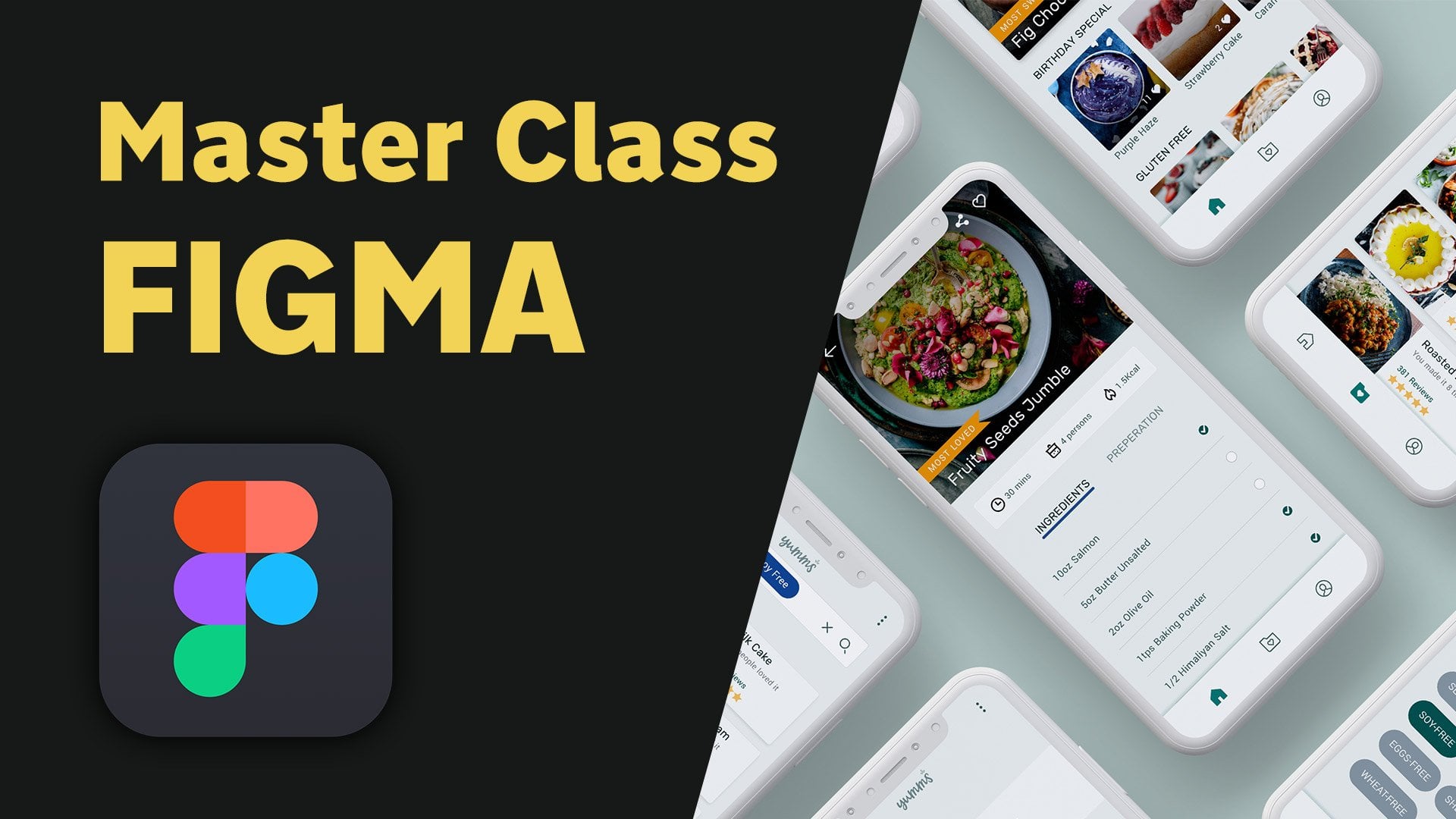
We will design together the User Interface and then the prototype of a “Recipe App called YUMMS” from the scratch and make it into a pro level design by multiplying Artboards, using reusable Styles and Components.
If you are Beginner in UI UX Design or a seasoned UI/UX Designer trying to switch from Sketch or Adobe XD, please join me in this learning experience.
Muhammad Ahsan Pervaiz
No reviews yet. Be the first to review this course.
1 lesson, about 1.5 hours
A single ninety-minute session taking Figma from an empty file to a working interface: frames, components, auto layout and prototyping, aimed at somebody who has never opened it.
144 hours
A 144-hour UX and UI design certificate from Noble Desktop, taught live in New York or online, ending in a portfolio and a job-ready resume.
120 hours
A 120-hour UI design certificate from Noble Desktop covering Figma, Photoshop and Illustrator, taught live in New York or online.
420 hours
A 420-hour generative AI course from Noble Desktop, taught live in New York or online.
264 hours
A 264-hour generative AI course from Noble Desktop, taught live in New York or online.
282 hours
A 282-hour generative AI course from Noble Desktop, taught live in New York or online.
1 lesson, about 1.5 hours
A single ninety-minute session taking Figma from an empty file to a working interface: frames, components, auto layout and prototyping, aimed at somebody who has never opened it.
7 lessons, about 1 hour
A 7-lesson playlist on UX/UI design, 54 minutes, published on YouTube by Figma. Watched here on the course page.
9 hours
Hi there - my name is Dan Scott & welcome to Figma Essentials. Together - you and me - are going to learn everything you need to get started working as a UX Designer using Figma. We’ll use this UI UX design tool to create beautiful User Interfaces and engaging prototypes. Most importantly... we'...
1 hour
Development of advanced techniques in Illustrator and Photoshop is the focus of this course, with the goal of helping you increase your proficiency with vector brushes and pattern design. You will craft a gorgeous floral line-art which can be finished in oh-so-many ways! In this course you will lear...
24 minutes
Transform humble materials into luxurious fabrics through the craft of natural dyeing! This wonderful art combines textile design with sustainable living. Using food materials you can find in your kitchen, we'll brew three lovely colors from scratch: Pale pink from avocado pits Golden yellow from on...
23 minutes
Give your denim a new lease of life by creating something totally original. With fabric painting, you are the artist and the textile designer! In this class we will cover the basic of fabric painting, learn what materials to use and discuss the best practice while working towards creating your weara...
Subscription