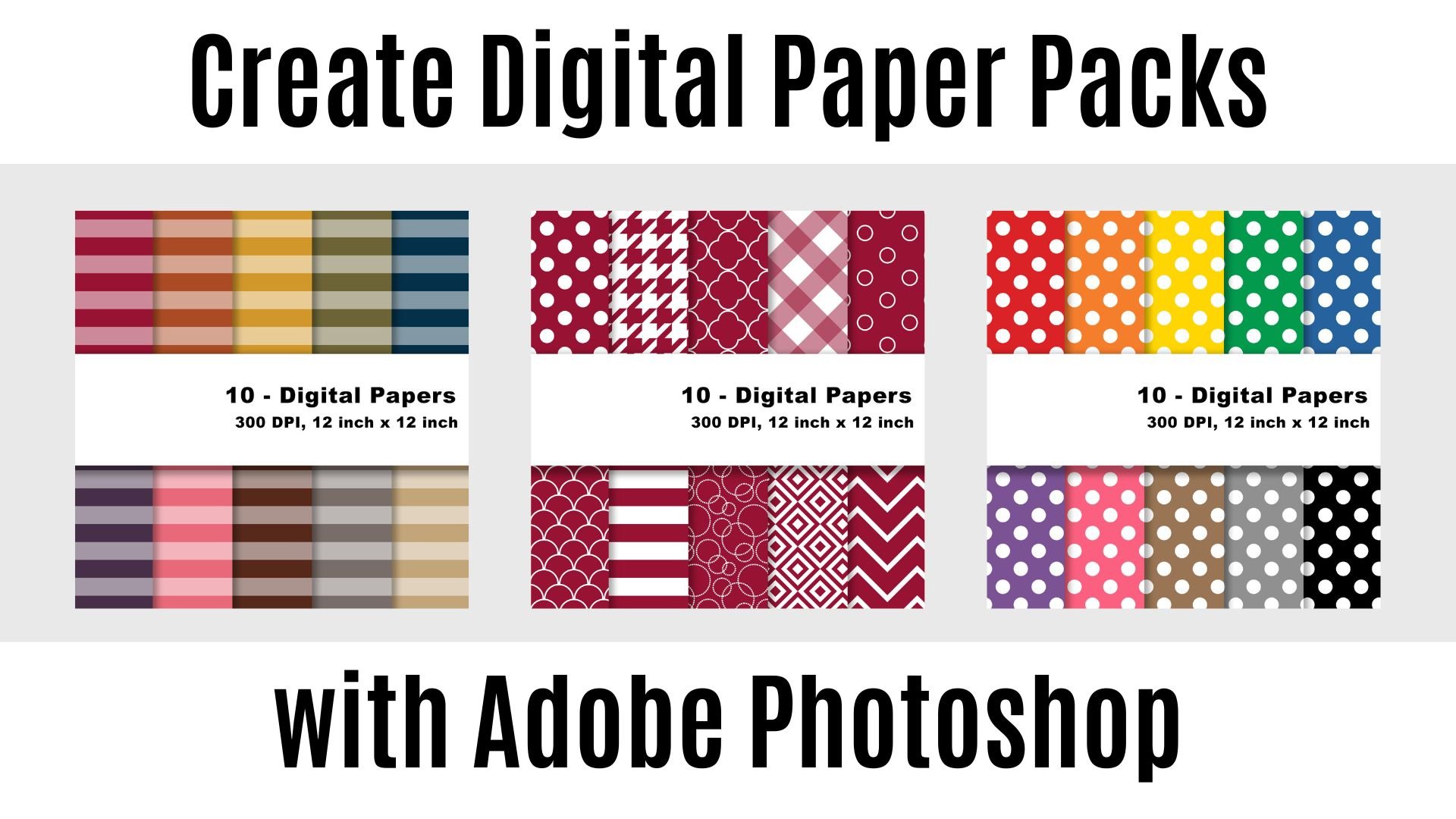
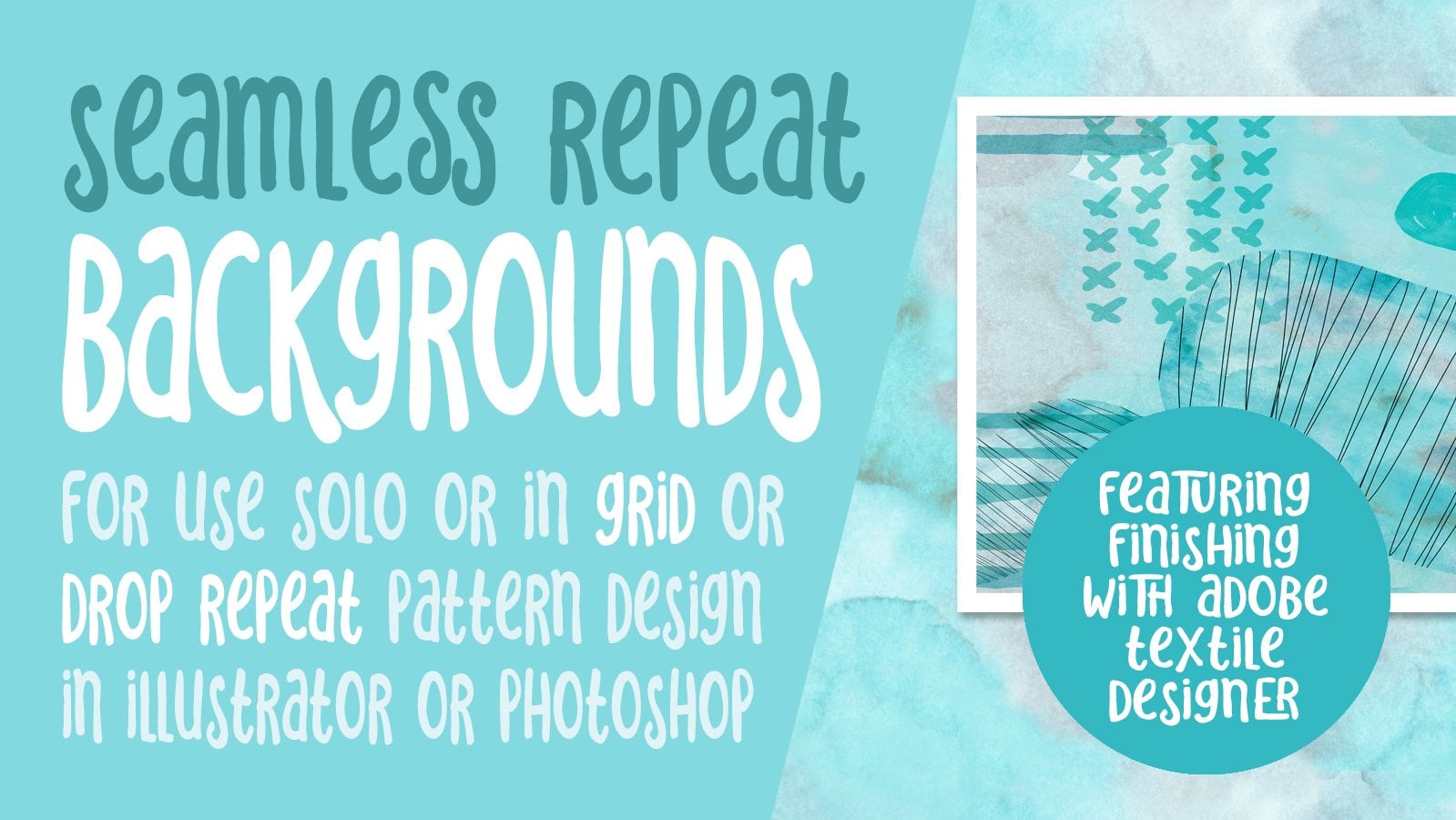
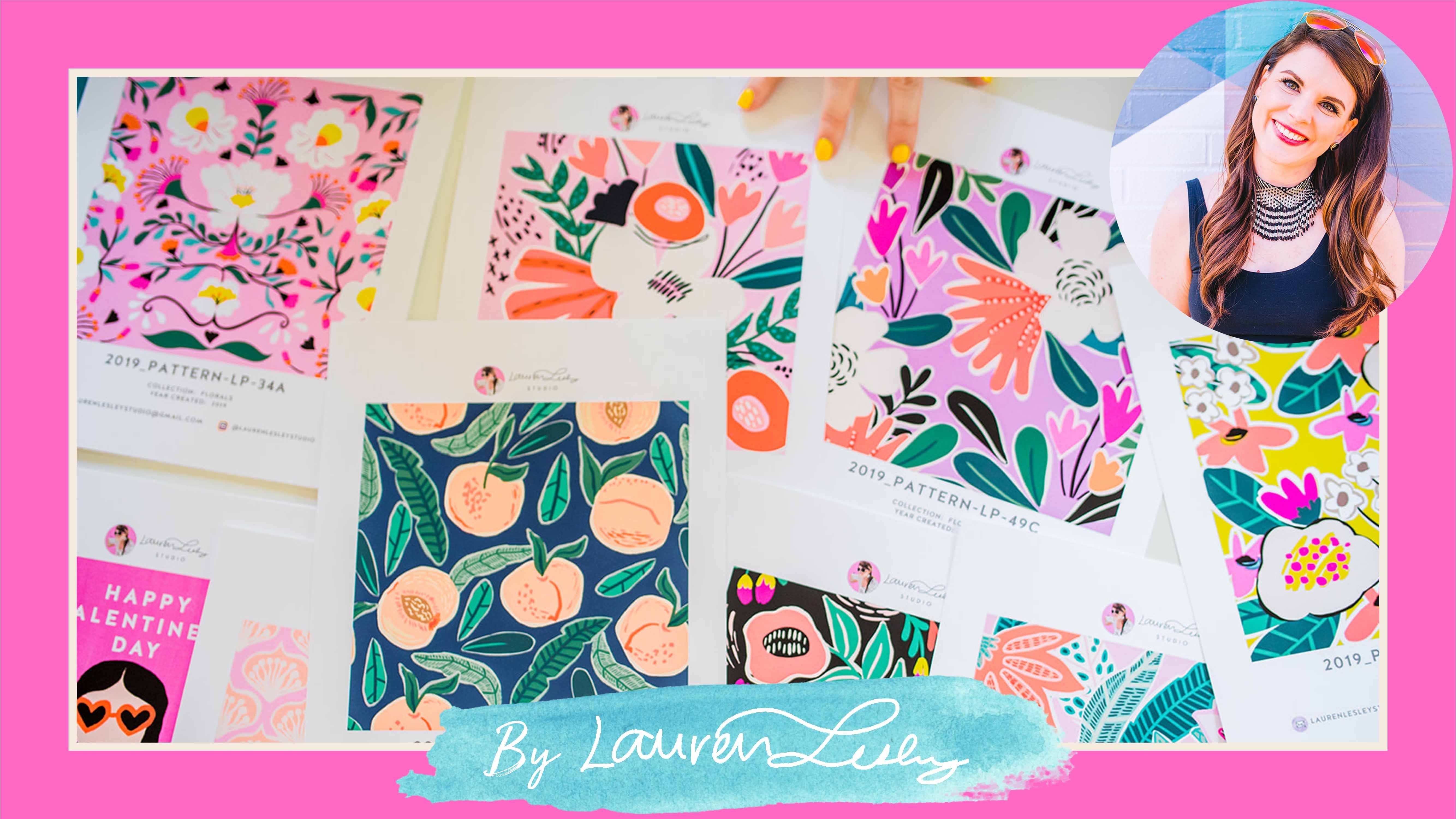
Are you ready to unlock the power of Adobe Photoshop and create your own digital paper packs? Join us in this Skillshare course where you'll learn the skills needed to create your own digital paper packs.
In this course, you will explore a world of creative possibilities as we explore Adobe Photoshop and the different tools you can use to streamline the process when it comes to creating digital paper packs. Whether you're a graphic designer, textile artist, or simply someone looking to enhance your Adobe Photoshop skills, this course is tailored to cater to all skill levels.
By the end of this course you will know how to:
- Use Artboards to create a digital paper template
- Smart objects to make your design process faster
- Create a digital paper template that you can use over and over again
- Set up an action to streamline your process.
- Create your own digital paper set
Included is a bonus pattern set that you can use to create your first digital paper pack.
What You'll Achieve:
By the end of this course, you will have the knowledge and skills to create a digital paper template in Adobe Photoshop, ensuring that you can bring your creative visions to life with ease. Whether it's for digital art, fashion, home decor, or any other design project, you'll have the tools to impress and inspire.
Course Format:
This Skillshare course is designed with a combination of video tutorials and downloadable resources to support your learning. You can watch at your own pace, pause and rewind as needed, and revisit the course materials as often as you like.
Software Requirement - This course is designed to work with Adobe Photoshop 2021 or newer.
Adobe Photoshop is a registered trademark or trademark of Adobe in the United States and/or other countries.