Textile Design

All LevelsSelf-Paced25 minutesCourse

Pattern Design: Create Your Own Mermaid Scale Pattern In Adobe Photoshop

Offered through Skillshare

About this course

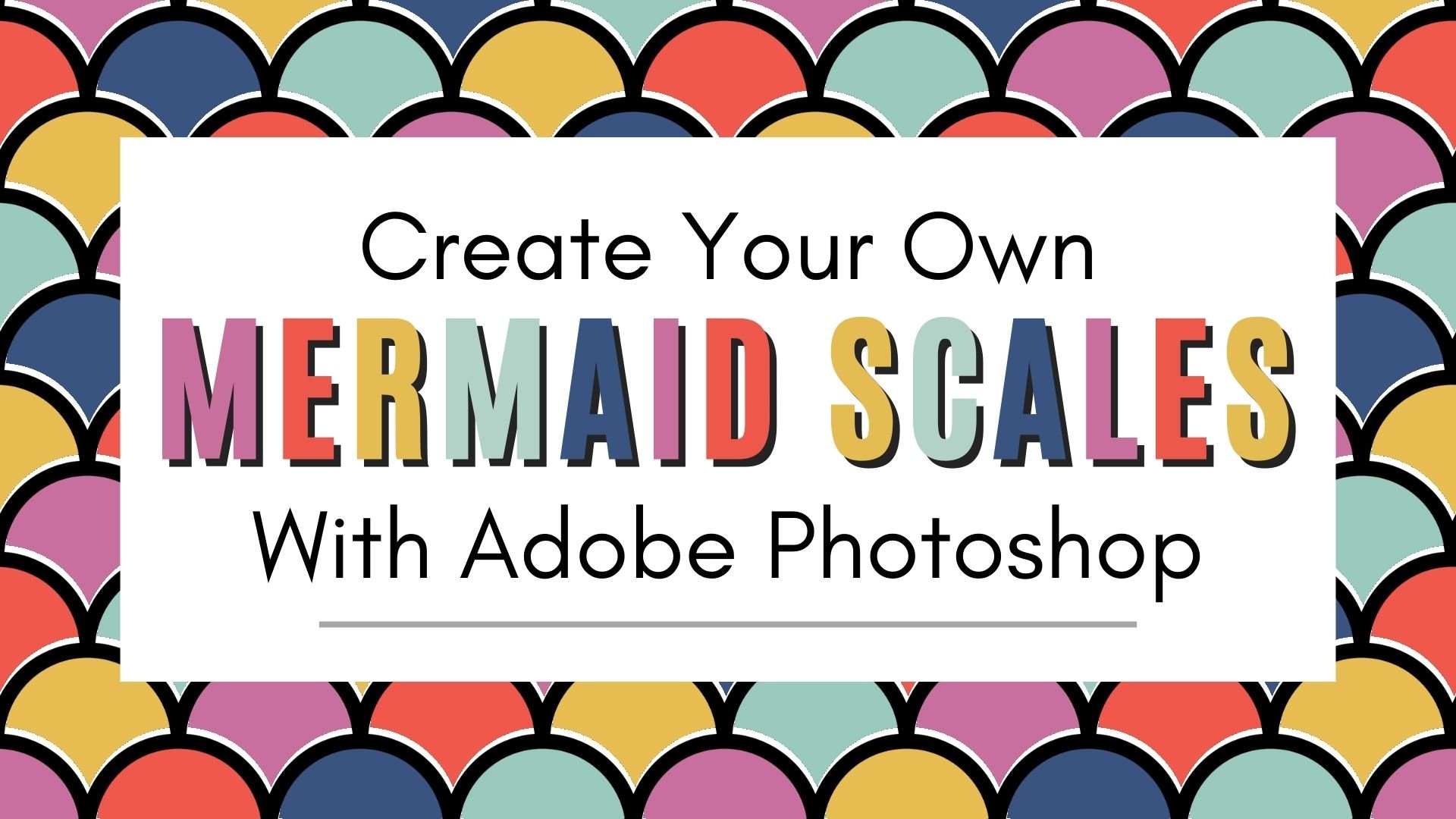
Are you ready to unlock the power of Adobe Photoshop and create your own mermaid scale patterns in Adobe Photoshop? Join us in this Skillshare course where you'll learn the skills needed to start designing stunning patterns.

In this course, you will explore a world of creative possibilities as we explore Adobe Photoshop and the different tools you can use to help create fun mermaid scale patterns. Whether you're a graphic designer, textile artist, or simply someone looking to enhance your Adobe Photoshop skills, this course is tailored to cater to all skill levels.

By the end of this course you will know how to:

- Use the ellipse shape tool to construct the mermaid scale or scallop design - Save and define a pattern in Adobe Photoshop and use the Patterns panel - Use a layer mask - Use Smart Objects when designing patterns - How to use the brush tool and symmetry tool - Create your own pattern template

Included is a bonus pattern template that you can use over and over again to create unique fun patterns.

What You'll Achieve:

By the end of this course, you will have the knowledge and skills to design a mermaid scale pattern in Adobe Photoshop, ensuring that you can bring your creative visions to life with ease. Whether it's for digital art, fashion, home decor, or any other design project, you'll have the tools to impress and inspire.

Course Format:

This Skillshare course is designed with a combination of video tutorials and downloadable resources to support your learning. You can watch at your own pace, pause and rewind as needed, and revisit the course materials as often as you like.

Software Requirement - This course is designed to work with Adobe Photoshop 2021 or newer.

Adobe Photoshop is a registered trademark or trademark of Adobe in the United States and/or other countries.

Instructor

  • Tricia Lish

Reviews

No reviews yet. Be the first to review this course.

Discussion

Similar courses

Search for more
144 hours

UX & UI Design Certificate

144 hours

UX-UI Design

A 144-hour UX and UI design certificate from Noble Desktop, taught live in New York or online, ending in a portfolio and a job-ready resume.

BeginnerScheduledCertificate
Paid CourseView course
120 hours

UI Design Certificate

120 hours

UX-UI Design

A 120-hour UI design certificate from Noble Desktop covering Figma, Photoshop and Illustrator, taught live in New York or online.

BeginnerScheduledCertificate
Paid CourseView course

Related courses

Browse all

More courses from Skillshare

View all
1h 16m
Skillshare

Vector Brush Gorgeous Line Art Floral Repeat Pattern

1 hour

Textile Design

Development of advanced techniques in Illustrator and Photoshop is the focus of this course, with the goal of helping you increase your proficiency with vector brushes and pattern design. You will craft a gorgeous floral line-art which can be finished in oh-so-many ways! In this course you will lear...

IntermediateSelf Paced
SubscriptionView course
24m
Skillshare

Plant Magic: Natural Dyeing in the Kitchen

24 minutes

Textile Design

Transform humble materials into luxurious fabrics through the craft of natural dyeing! This wonderful art combines textile design with sustainable living. Using food materials you can find in your kitchen, we'll brew three lovely colors from scratch: Pale pink from avocado pits Golden yellow from on...

BeginnerSelf Paced
SubscriptionView course
23m
Skillshare

Art on Denim: Let's Paint Sunflowers!

23 minutes

Textile Design

Give your denim a new lease of life by creating something totally original. With fabric painting, you are the artist and the textile designer! In this class we will cover the basic of fabric painting, learn what materials to use and discuss the best practice while working towards creating your weara...

BeginnerSelf Paced
SubscriptionView course

Subscription

Go to Class