Figma Crash Course for Beginners
1 lesson, about 1.5 hours
A single ninety-minute session taking Figma from an empty file to a working interface: frames, components, auto layout and prototyping, aimed at somebody who has never opened it.
Figma

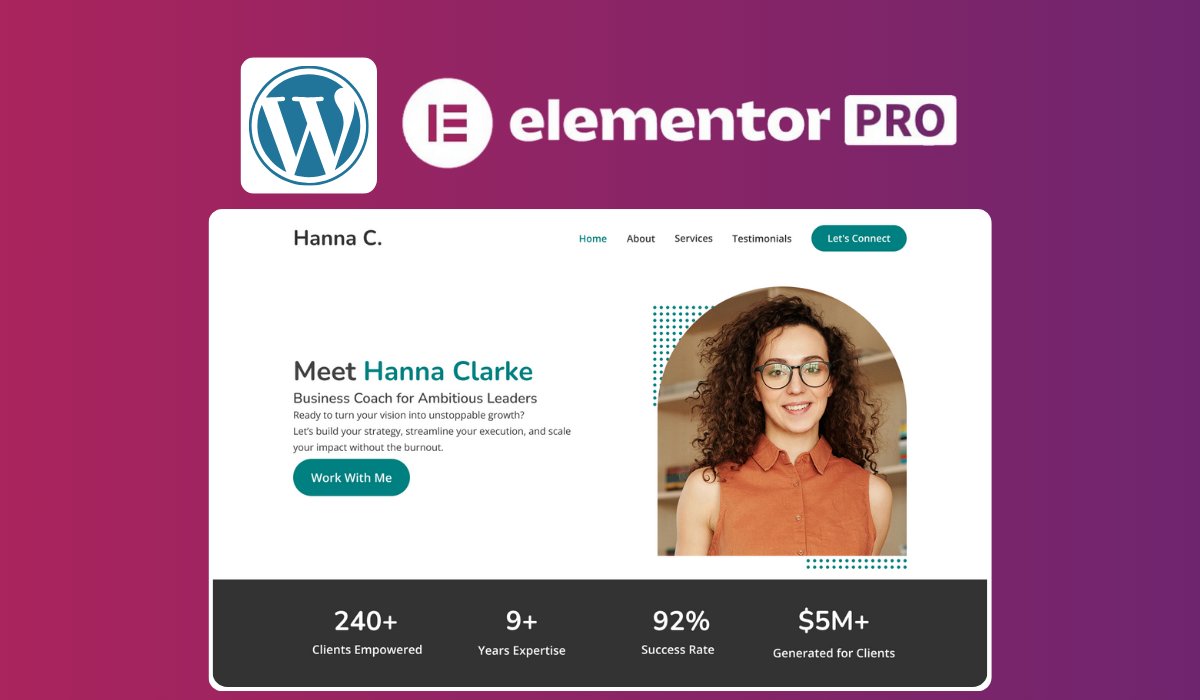
Transform a pre-designed universal Figma template into a fully functional, responsive, and SEO-optimized portfolio website using WordPress and Elementor Pro, without writing any code.
What You'll Learn
- Customize a universal Figma template to align with your personal brand.
- Set up a domain and hosting to publish your website online.
- Install and configure WordPress with Elementor Pro.
- Recreate your Figma design using Elementor's drag-and-drop interface.
- Optimize your website for speed and search engines (SEO).
- Integrate Google Analytics 4 to monitor site performance.
Why Take This Class
Whether you're a freelancer, creative professional, or aspiring web designer, this class provides a step-by-step guide to building a personalized portfolio website. By the end of the course, you'll have a live website that reflects your unique style and professional identity.
Who This Class Is For
- Beginners interested in web design and development.
- Freelancers and creatives seeking a standout online portfolio.
- Individuals looking to convert Figma designs into live websites.
Materials/Resources
- A computer with internet access.
- Free accounts for Figma and WordPress (guidance provided within the class).
- Elementor Pro plugin (setup instructions included).
- Provided Figma template file for customization.
By following this class, you'll gain practical skills to build and manage your professional website, enhancing your online presence and attracting potential clients or employers.
Akalanka Karunarathna
No reviews yet. Be the first to review this course.
1 lesson, about 1.5 hours
A single ninety-minute session taking Figma from an empty file to a working interface: frames, components, auto layout and prototyping, aimed at somebody who has never opened it.
144 hours
A 144-hour UX and UI design certificate from Noble Desktop, taught live in New York or online, ending in a portfolio and a job-ready resume.
120 hours
A 120-hour UI design certificate from Noble Desktop covering Figma, Photoshop and Illustrator, taught live in New York or online.
420 hours
A 420-hour generative AI course from Noble Desktop, taught live in New York or online.
264 hours
A 264-hour generative AI course from Noble Desktop, taught live in New York or online.
282 hours
A 282-hour generative AI course from Noble Desktop, taught live in New York or online.
1 lesson, about 1.5 hours
A single ninety-minute session taking Figma from an empty file to a working interface: frames, components, auto layout and prototyping, aimed at somebody who has never opened it.
7 lessons, about 1 hour
A 7-lesson playlist on UX/UI design, 54 minutes, published on YouTube by Figma. Watched here on the course page.
9 hours
Hi there - my name is Dan Scott & welcome to Figma Essentials. Together - you and me - are going to learn everything you need to get started working as a UX Designer using Figma. We’ll use this UI UX design tool to create beautiful User Interfaces and engaging prototypes. Most importantly... we'...
1 hour
Development of advanced techniques in Illustrator and Photoshop is the focus of this course, with the goal of helping you increase your proficiency with vector brushes and pattern design. You will craft a gorgeous floral line-art which can be finished in oh-so-many ways! In this course you will lear...
24 minutes
Transform humble materials into luxurious fabrics through the craft of natural dyeing! This wonderful art combines textile design with sustainable living. Using food materials you can find in your kitchen, we'll brew three lovely colors from scratch: Pale pink from avocado pits Golden yellow from on...
23 minutes
Give your denim a new lease of life by creating something totally original. With fabric painting, you are the artist and the textile designer! In this class we will cover the basic of fabric painting, learn what materials to use and discuss the best practice while working towards creating your weara...
Subscription