120 hours

UI Design Certificate
120 hours
A 120-hour UI design certificate from Noble Desktop covering Figma, Photoshop and Illustrator, taught live in New York or online.
BeginnerScheduledCertificate
Paid CourseView course
Every course from every provider we track, with the same filters over all of them: level, length, price, certificate and who stands behind it.
125 courses for “Animate a Day-Night UI Toggle in Figma - Interactive UI in Figma”
120 hours
A 120-hour UI design certificate from Noble Desktop covering Figma, Photoshop and Illustrator, taught live in New York or online.
6 hours
A six-hour advanced Figma class from Noble Desktop, taught in New York or live online, covering variables, modes and conditional prototyping.
New courses, a couple of emails a month. One click unsubscribes.
1 lesson, about 1 hour
A single session, about 1 hour, published on YouTube by Code with Josh. Watched here on the course page.
1 lesson, about 3 hours
A single session, about 3 hours, published on YouTube by Simon Sez IT. Watched here on the course page.
21 lessons, about 2 hours
A 21-lesson playlist on Power BI, about 2 hours, published on YouTube by Microsoft Power BI. Watched here on the course page.
27 lessons, about 5 hours
A 27-lesson playlist on Power BI, about 5 hours, published on YouTube by Microsoft Power BI. Watched here on the course page.
10 lessons, about 2 hours
A 10-lesson playlist on UX/UI design, about 2 hours, published on YouTube by DesignXstream. Watched here on the course page.
37 lessons, about 8 hours
A 37-lesson playlist on UX/UI design, about 8 hours, published on YouTube by Mizko. Watched here on the course page.
81 lessons, about 24 hours
A 81-lesson playlist on UX/UI design, about 24 hours, published on YouTube by Pelfizz. Watched here on the course page.
7 lessons, about 1 hour
A 7-lesson playlist on UX/UI design, 54 minutes, published on YouTube by Figma. Watched here on the course page.
16 lessons, about 18 hours
A 16-lesson playlist on UX/UI design, about 18 hours, published on YouTube by Figma. Watched here on the course page.
1 lesson, about 1 hour
A single session on it & networking, about 1 hour, published on YouTube by Jeremy's IT Lab. Watched here on the course page.
1 lesson, about 1.5 hours
A single ninety-minute session taking Figma from an empty file to a working interface: frames, components, auto layout and prototyping, aimed at somebody who has never opened it.
25 lessons, about 5 hours
25 sessions on growth hacking, about 5 hours in total, published on YouTube by Nader Sabry - Growth Hacking. Watched here, lesson by lesson.
27 lessons, about 8 hours
27 sessions on growth hacking, about 8 hours in total, published on YouTube by Nader Sabry - Growth Hacking. Watched here, lesson by lesson.
7 hours
"🔥IIIT Bangalore - Advanced Certification in UI/UX Design with Generative AI - https://www.simplilearn.com/ui-ux-certification-training-course?utm_campaign=2S0RtvdLiJg&utm_medium=DescriptionFF&utm_source=Youtube 🔥Virginia Tech Professional Certificate in AI-Powered UX/UI Design…
15 minutes
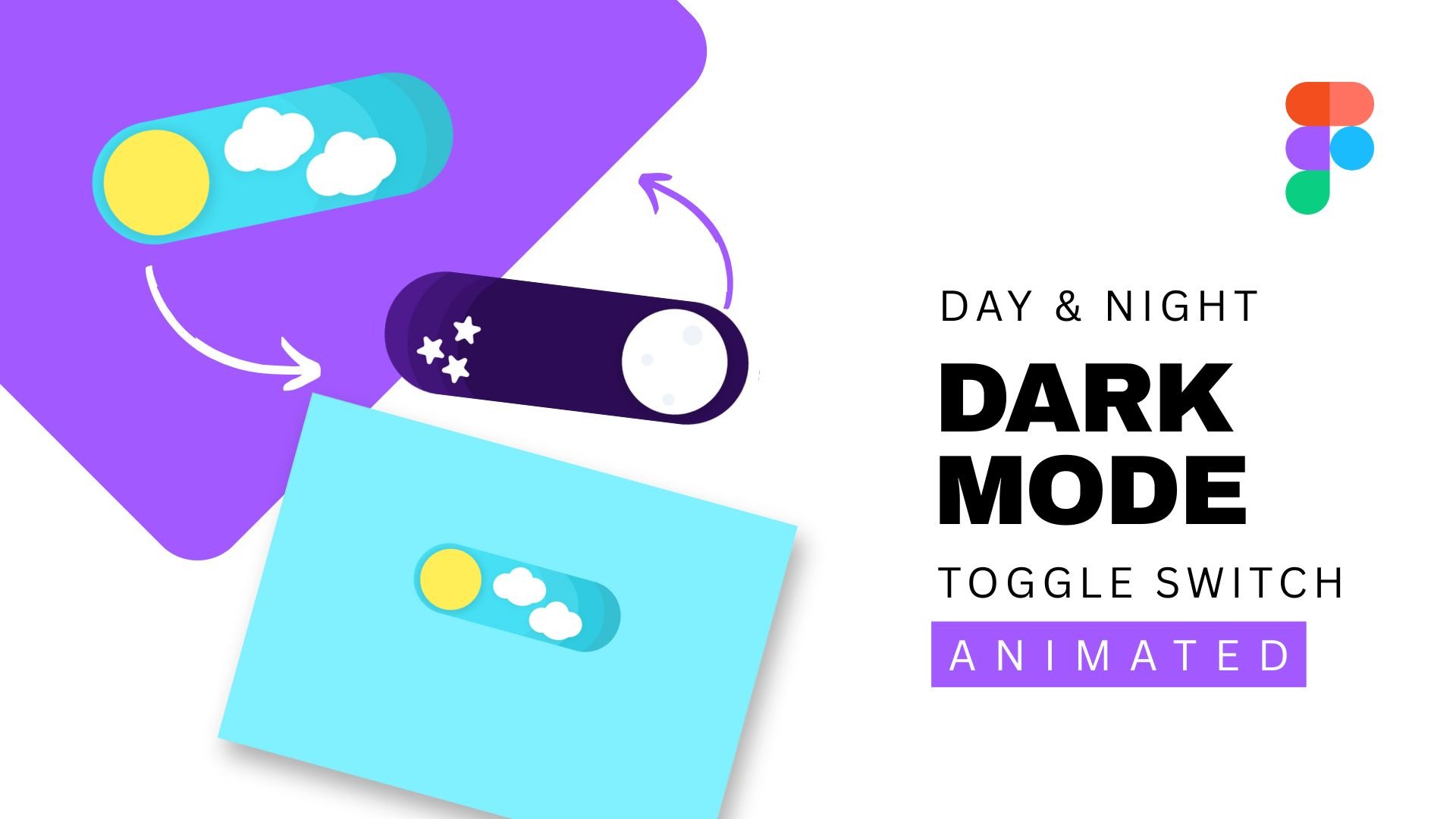
Want to add a fun, interactive element to your mobile or web designs? In this beginner-level class, you'll learn how to design and animate a Day/Night toggle switch in Figma — completely from scratch and without using any plugins! Perfect for UI/UX design beginners, this hands-on class shows you how...
5 hours
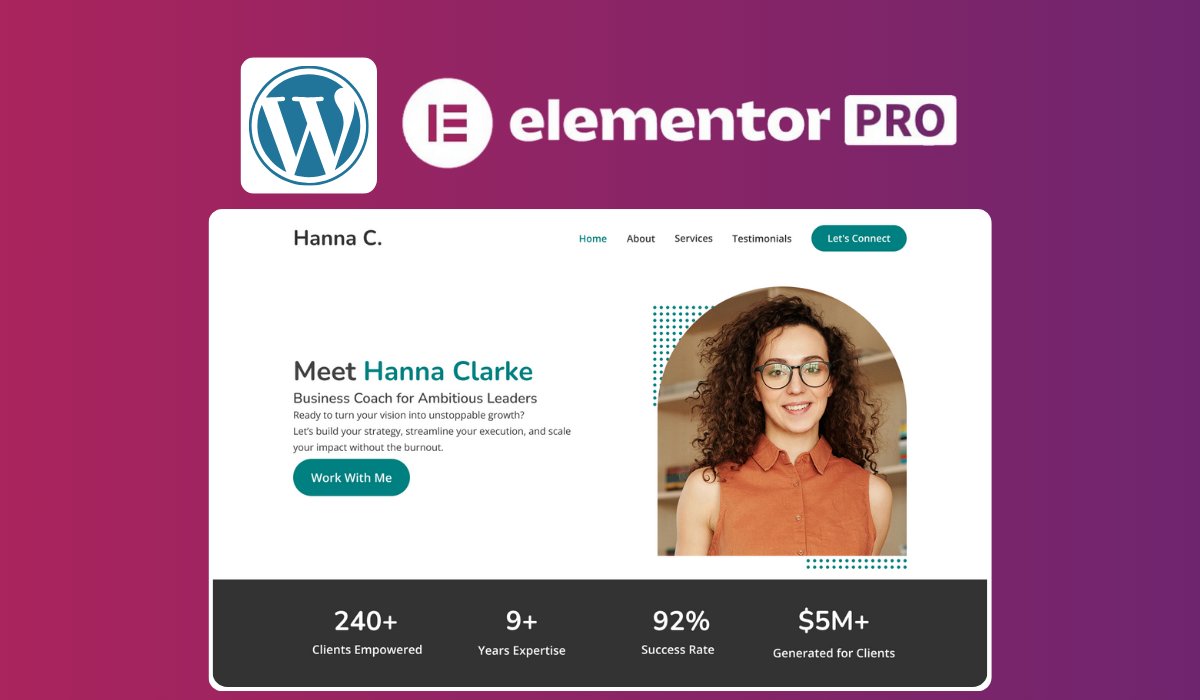
Transform a pre-designed universal Figma template into a fully functional, responsive, and SEO-optimized portfolio website using WordPress and Elementor Pro, without writing any code. What You'll Learn Customize a universal Figma template to align with your personal brand. Set up a domain and hostin...
4 hours
Hello everyone, welcome to our class of Figma for learning user interface and user experience UI UX design so if you are planning to learn about it from the beginning then you are in the right place because we will cover in this class from the basic to advanced. This is a beginner level class so if...
1 hour
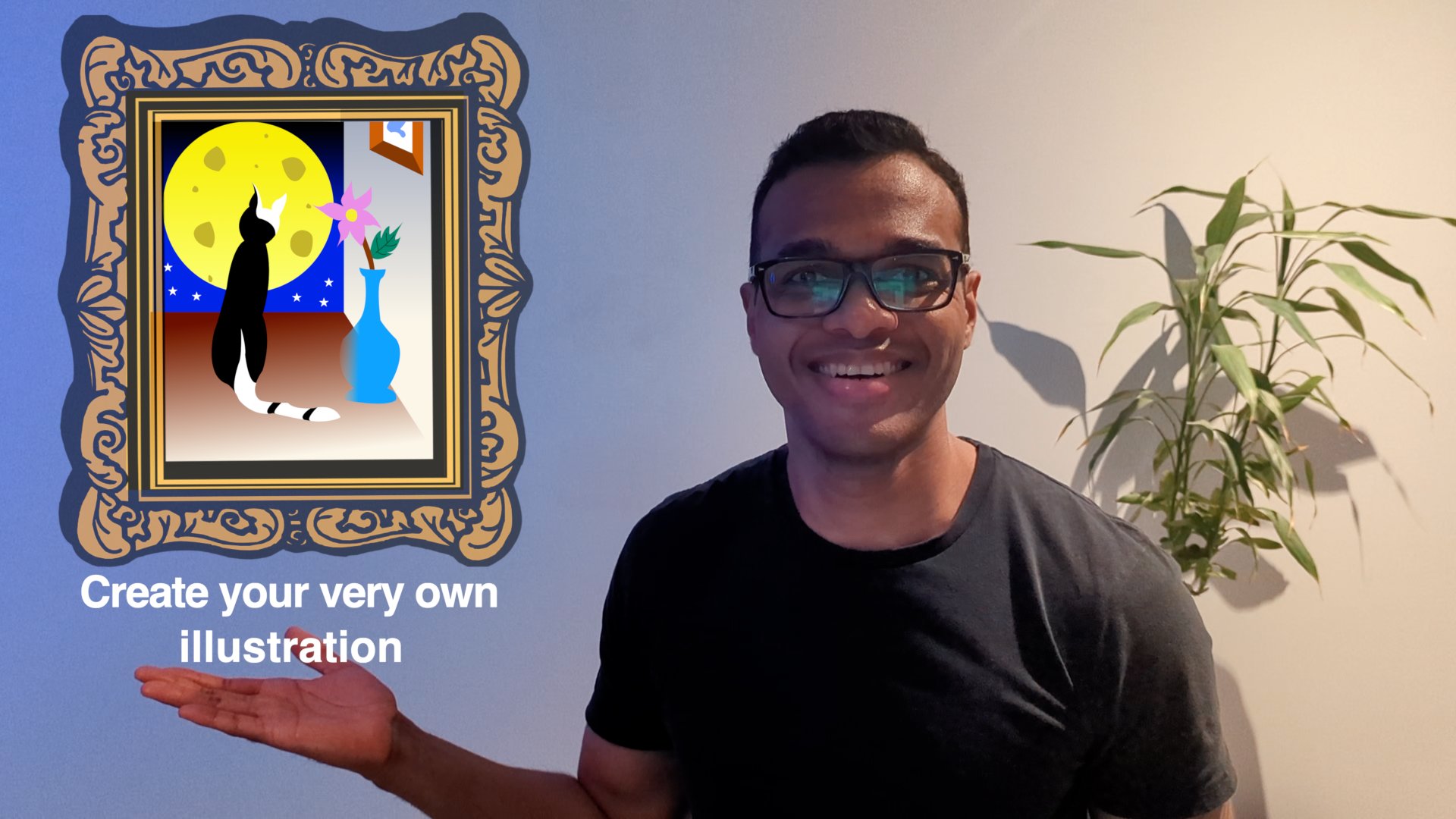
In this class, we'll be making a simple illustration together to help us familiarize ourselves with a design tool Get our creative juice flowing. Grow our skill with the tool and over time be able to use it to communicate ideas to a wide audience. Using a free tier account of the design software Fig...