Discover online UI Design courses that can help you build knowledge and learn hands-on skills. Move forward in your learning path. Look at a variety of classes for both beginners and seasoned learners from core ideas to real-world use and even advanced methods. You can find free and paid UI Design courses on many learning sites. Compare what each one offers and pick the ones that fit your interests, your level and your goals. Watch updated UI Design learning material at learnay.
UI Design video courses online
Explore UI Design video courses online to develop practical and professional skills at your own pace. Learn the essential concepts step by step through structured lessons. Find beginner-friendly UI Design courses covering practical techniques and industry-standard tools.
UI Design courses with and without certificates
Explore UI Design courses with certificates to learn essential skills and receive a certificate of completion after successfully finishing the course. These certificates can help showcase your newly acquired skills and strengthen your portfolio. You can also find UI Design courses without certificates that focus on practical learning, video lessons, and hands-on projects without requiring certification. Choose the courses that fit your level and your learning goals.
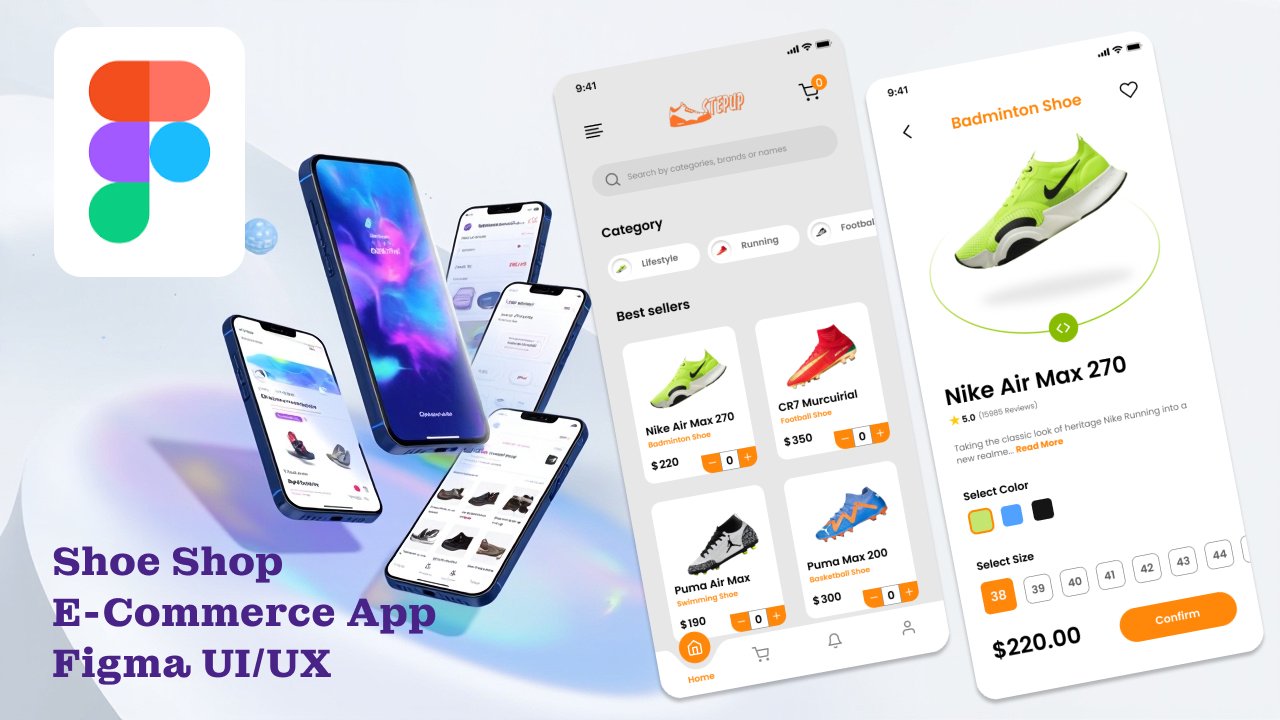
Dive into UI/UX design with Figma and learn how to create a complete Shoe Shop E-Commerce mobile app from scratch! This course is perfect for all skill levels—whether you’re a beginner just starting with Figma or an intermediate designer looking to level up your skills. You’ll start with the fundame...
Unlock the full potential of your web and UI designs by mastering Auto Layouts in Figma. This course is designed for beginner to intermediate designers who often feel overwhelmed by the complexities of Auto Layouts. We break it down into easy-to-understand steps, showing you how to create responsive...
Learn how to use the new Figma feature called Variants. This will allow you to organize better your components and simplify the process of creating variations of them. As well we will see how to create components from scratch in two ways, independent components and dependant components from a single...
You will learn how to create interactive prototypes for your designs using one of the most powerful free design tools, called Figma. Important Note: I filmed this class in 2020, and although some of Figma's UI has changed since then, the skills learned in this course remain relevant. However, if you...
Update: Figma updated the UI of Auto Layout on the 10th of May 2022. Even though the core features of Auto Layout remain the same, you will find parts of UI discussed in this class at a slightly different place or hidden under a panel in the latest version of Figma. It's a much-required UI update an...
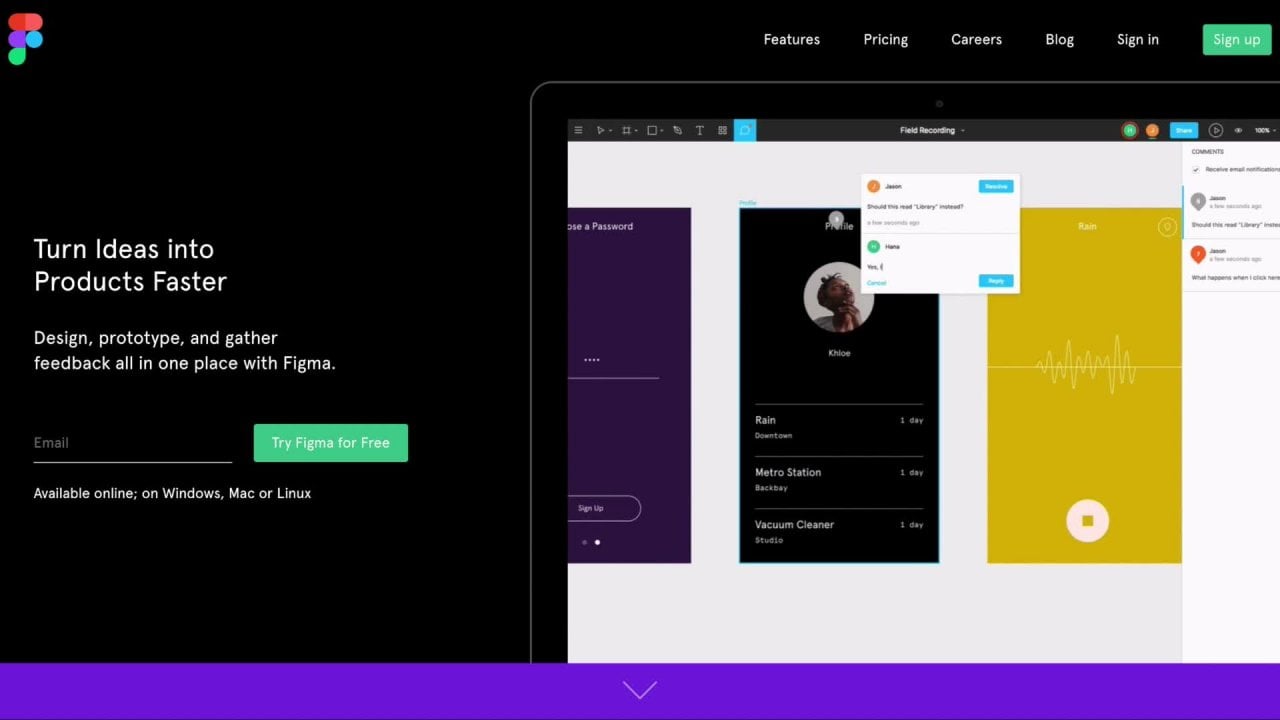
Figma is one of the most powerful UI and UX Design tool that can run in a Browser. Figma’s power is hidden in its being cross-platform and Collaboration with other Designers and Developers. It works seamlessly on Windows and Mac Operating Systems with a Desktop Application. In recent times, it is on...
All designers are information designers! The world is full of information and it’s a designer’s job to make sense of it, organize it, and help others understand it in a more accessible and enjoyable way. The essential skills used to organize and visualize information are extremely universal and can...
Harness the power of components in Figma with product designer, Maddy Beard! As a UI/UX designer, you know that components are the building blocks of your design projects. Understanding how to use components to your advantage can increase your confidence in Figma and improve efficiency for your team...
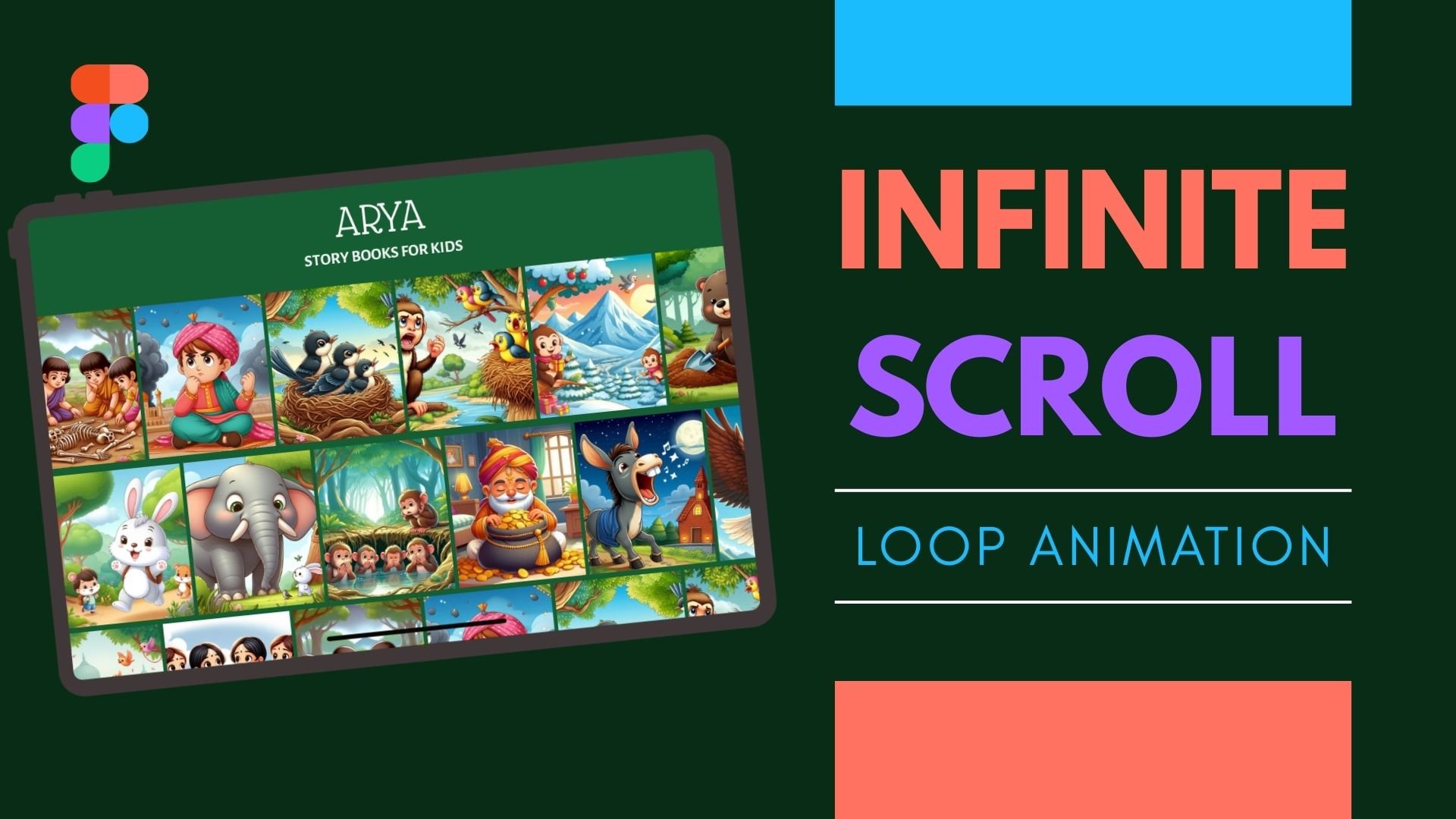
Want to create modern websites that feel smooth, dynamic, and impossible to ignore? In this class, you’ll learn how to design and animate an infinite scroll looping web home screen in Figma—a powerful technique used in today’s most engaging digital experiences. This is a hands-on, beginner-friendly...
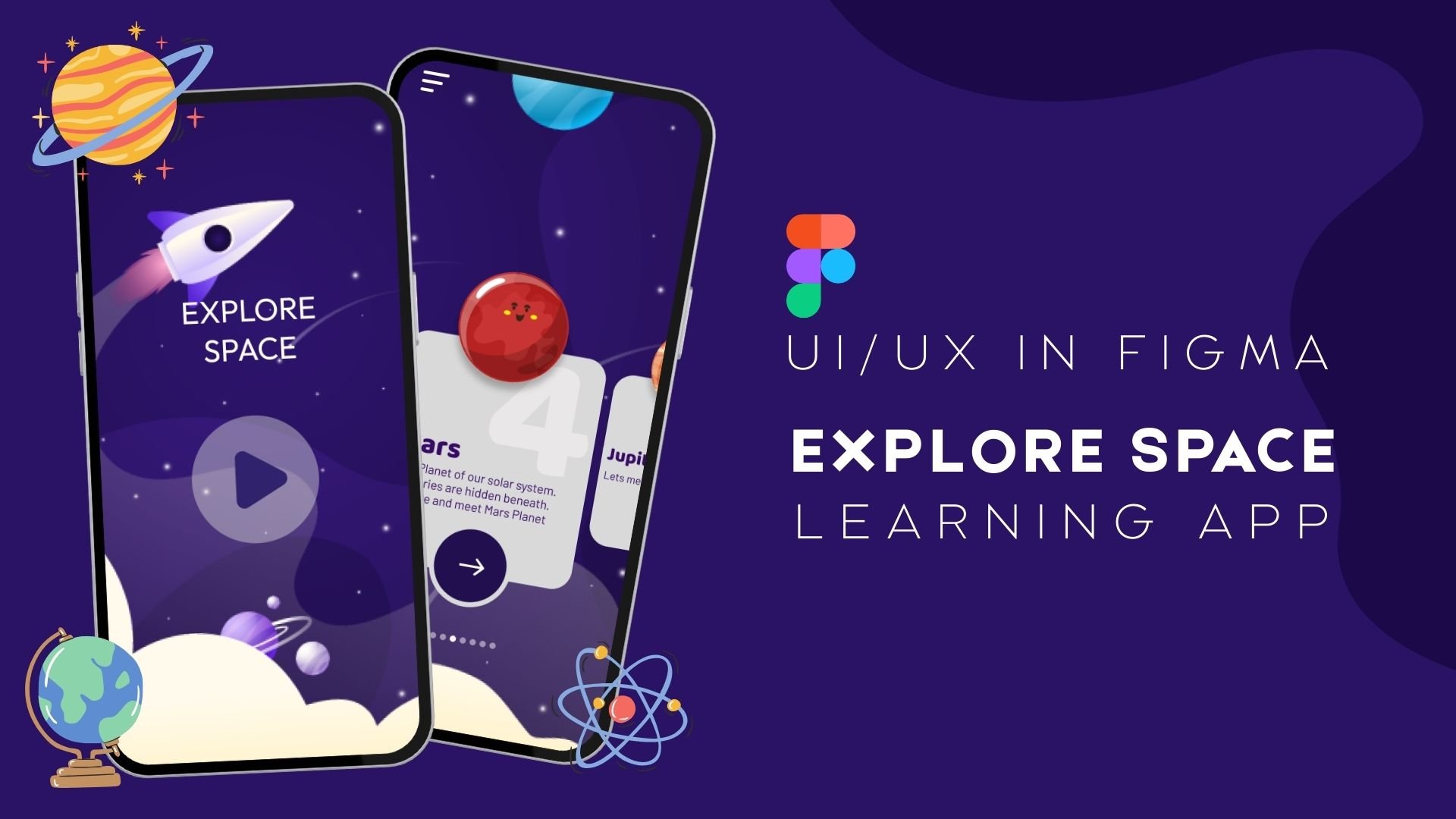
Have you ever wanted to design a fun and engaging learning app for kids? In this class, you’ll learn how to design a space explorer educational app for kids using Figma — step by step, in a way that’s simple, creative, and easy to follow. This class is perfect for beginners in UI/UX design, aspiring...
Hey! Welcome to this tutorial! Here you will learn how to create Interactive components in Figma. Is a new feature that allows you to have interactivity inside a single component so when you put that component into a frame or a working prototype has its own animations or states embedded. We will be...
Work smarter and more confidently in Figma with product designer, Maddy Beard! Systems and processes are so powerful in the modern workplace. Understanding how to use Figma to achieve a more efficient, consistent, and clear workflow will vastly improve your experience as a designer. Join Maddy as sh...
Thumbnails aren’t just a small detail — they’re the #1 factor that determines whether people click on your YouTube video or keep scrolling. In this course, you’ll learn how to design scroll‑stopping thumbnails that grab attention and boost click‑through rate. We’ll cover everything from design princ...
Welcome to Figma Essentials with Chetan Pujari! Embark on a journey to master UX Design using Figma, the ultimate UI/UX design tool. Whether you're new to design or eager to delve deeper into User Experience, this course is your gateway to success. Starting from the basics, we'll guide you through c...
Have you ever wondered if you could create a real playable game in Figma without writing a single line of code? In this beginner-friendly class, you'll learn how to design and prototype a cute Bunny-themed Sudoku game entirely in Figma. Instead of creating a static screen design, we'll take things a...
Are you ready to transform your design ideas into stunning, user-friendly digital experiences? Welcome to "Creative UX/UI Design Mastery with Figma," the most comprehensive and practical course designed to take you from a design novice to a confident UX/UI professional. Whether you're an aspiring de...
Hi, my name is Nicole and I’m a UI/UX designer with 7+ years of experience. Together in this class we are going to create a consistent and scalable prototype in Figma in 30 mins, from wireframing all the way to handing off to developers. If you're not familiar, Figma is the best collaborative online...
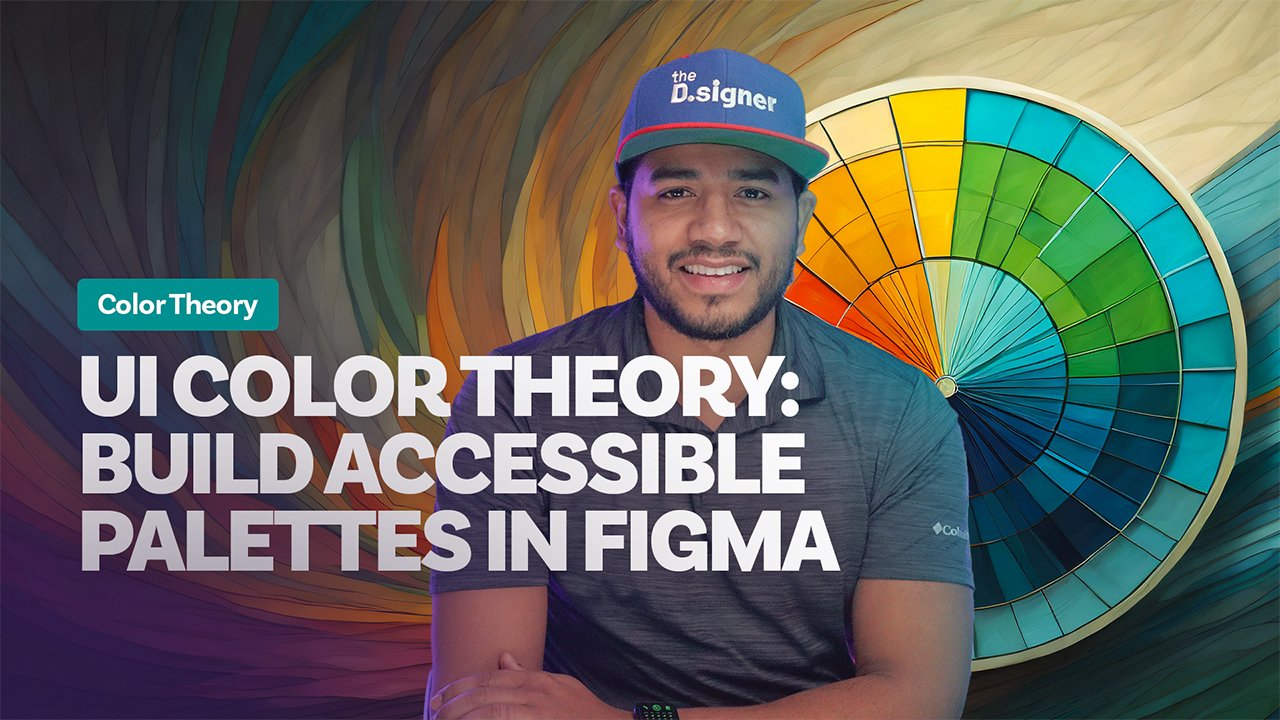
Design palettes that pop and pass accessibility checks. In one hour you’ll master color theory, build harmonious UI palettes in Figma/Adobe XD, and export dev‑ready tokens. What you’ll learn • Color fundamentals: hue, saturation, temperature, contrast • Picking primary, secondary & accent colors...
Would you like to learn how to build User Interfaces for your software, apps, and websites with Figma? Creating intuitive and user-friendly digital products is essential in today's digital age. A software or application's success relies heavily on its User Interface (UI) and the simplicity of its us...
Design a Simple Portfolio Website in Figma (Beginner Friendly) In this short and focused class, you’ll learn how to design a clean, two-page portfolio website using Figma, step by step, from a blank canvas to a polished layout. This class is perfect if you: Want to build a portfolio but don’t know w...